The Open Vulnerability Assessment Scanner (OpenVAS) tool is a free vulnerability scanner that allows both ethical hackers and penetration testers to perform a vulnerability assessment on a network. OpenVAS can scan both authenticated and unauthenticated vulnerability assets within an organization.
Greenbone Vulnerability Manager (GVM) is a centralized management tool that manages the functions and vulnerabilities of OpenVAS. In this exercise, you will learn how to set up GVM on Kali Linux and perform a vulnerability assessment on a target using OpenVAS.
Installation guide:
- Open up a terminal in kali linux:
sudo apt update
sudo apt install gvm
- Once the installation is complete, use the following command:
sudo gvm-setup
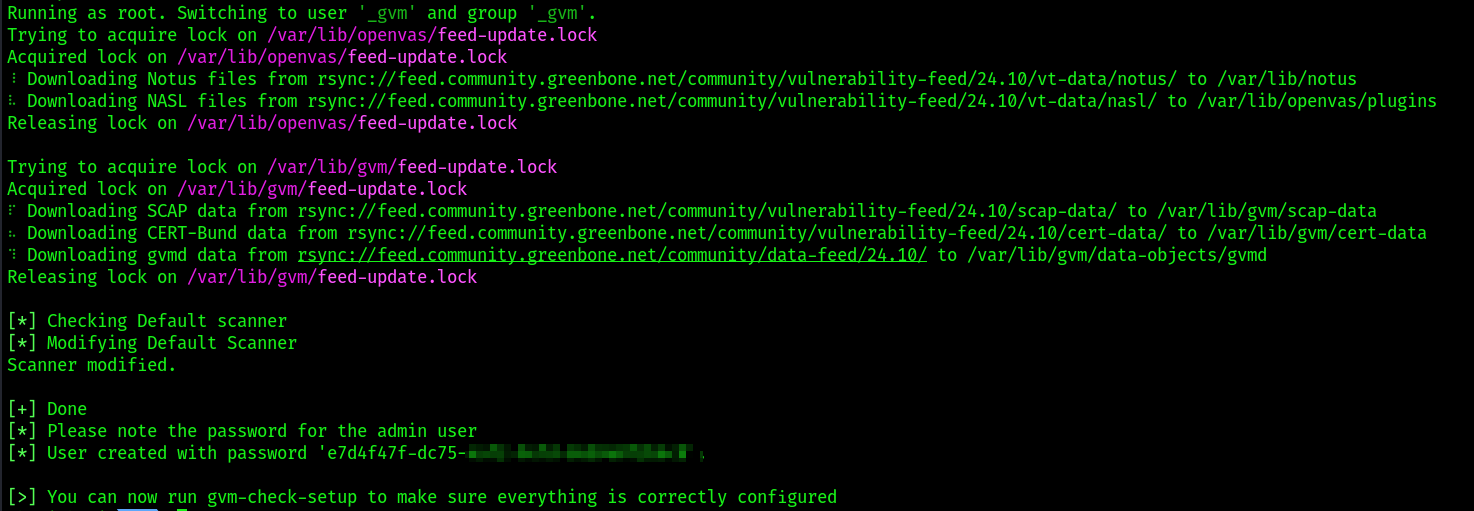
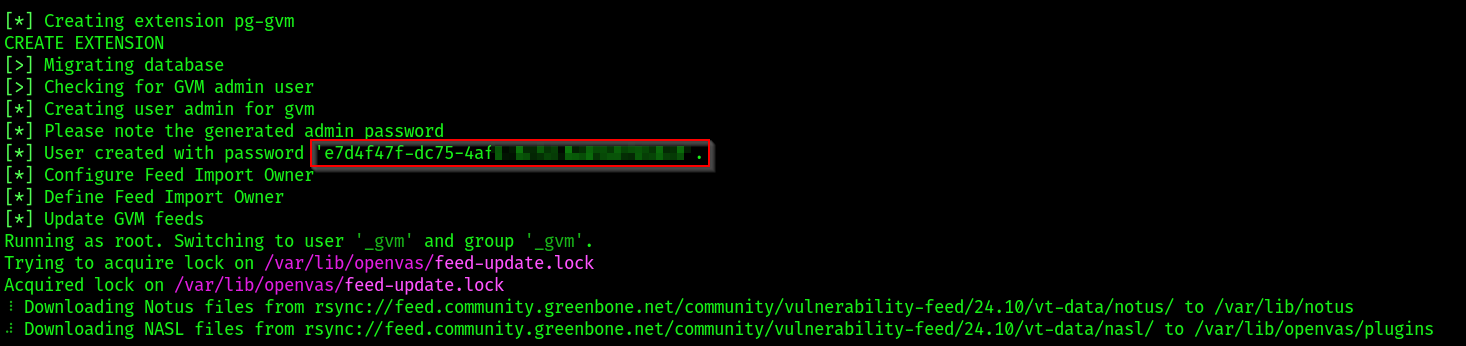 It will take some time to fetch the upgrades and then provide one more time the username and password.
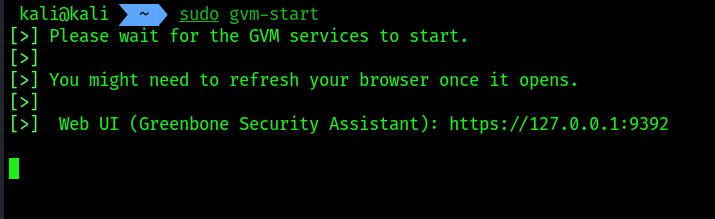
 3. Next, use the
 sudo gvm-start command to start the GVM service.
 4. changing the password of
 gvm
sudo runuser -u _gvm -- gvmd --user=admin --new-password=<new-password>
- After logging in
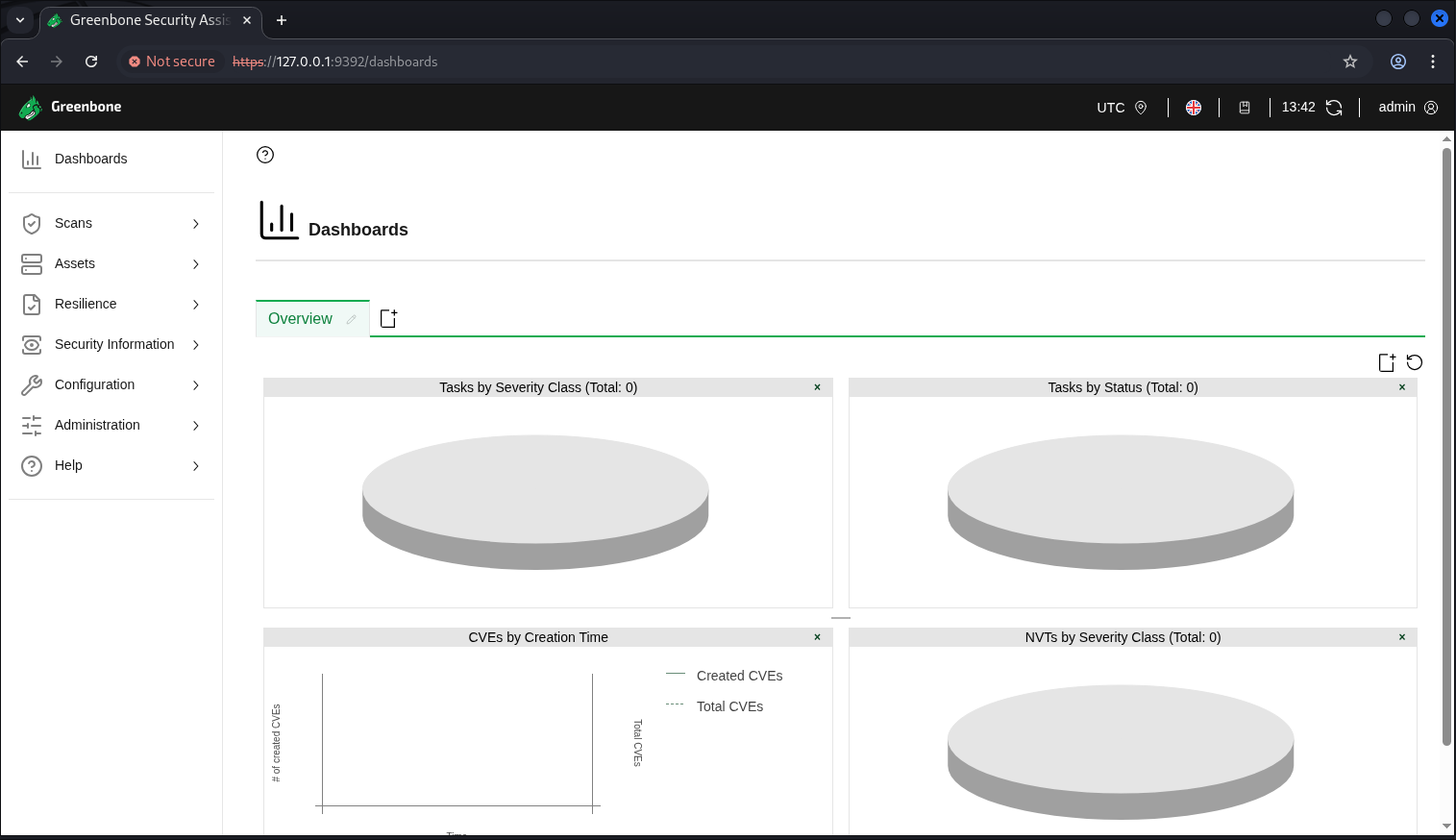
- To add a target -> click on
configuration -> Targets -> New target button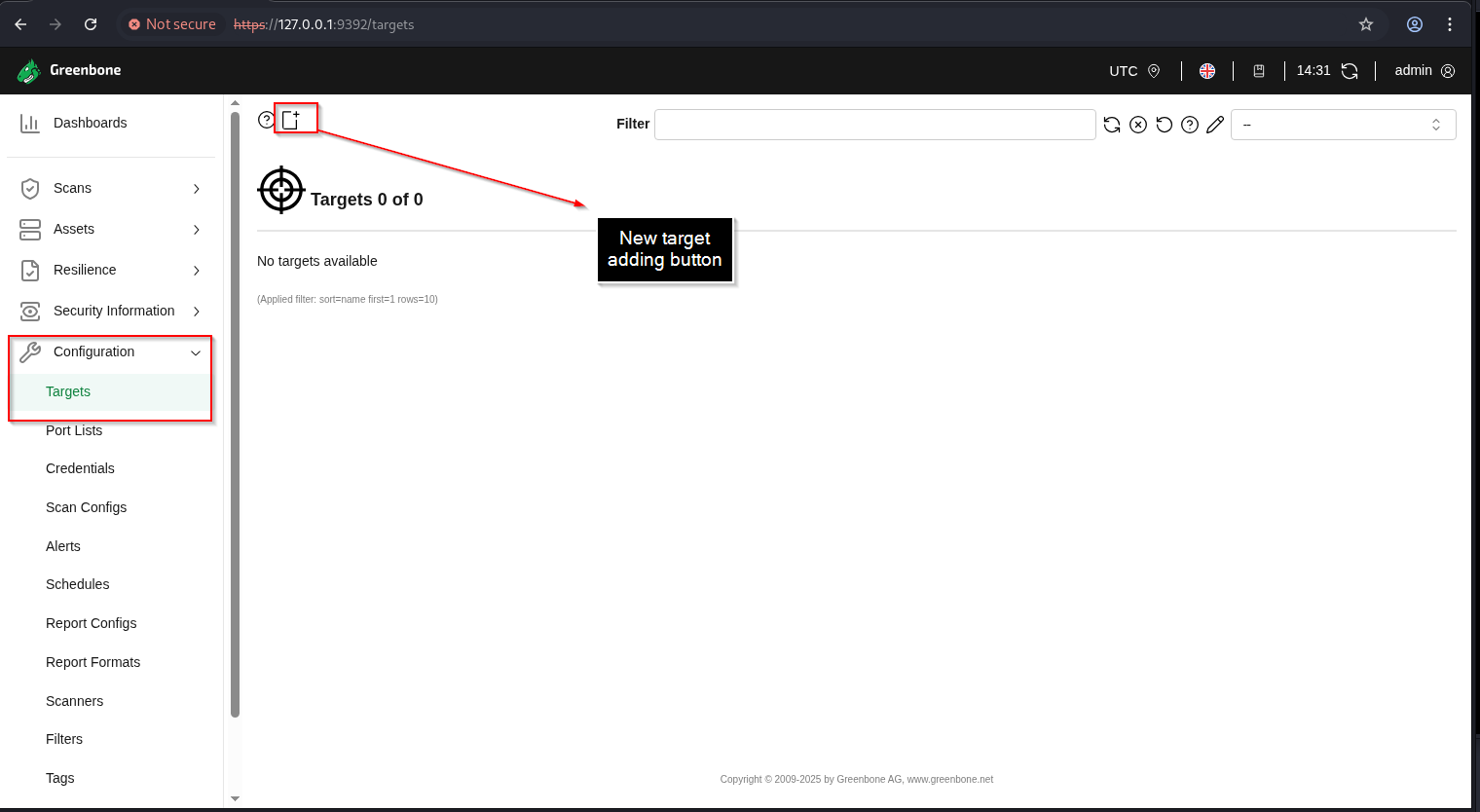
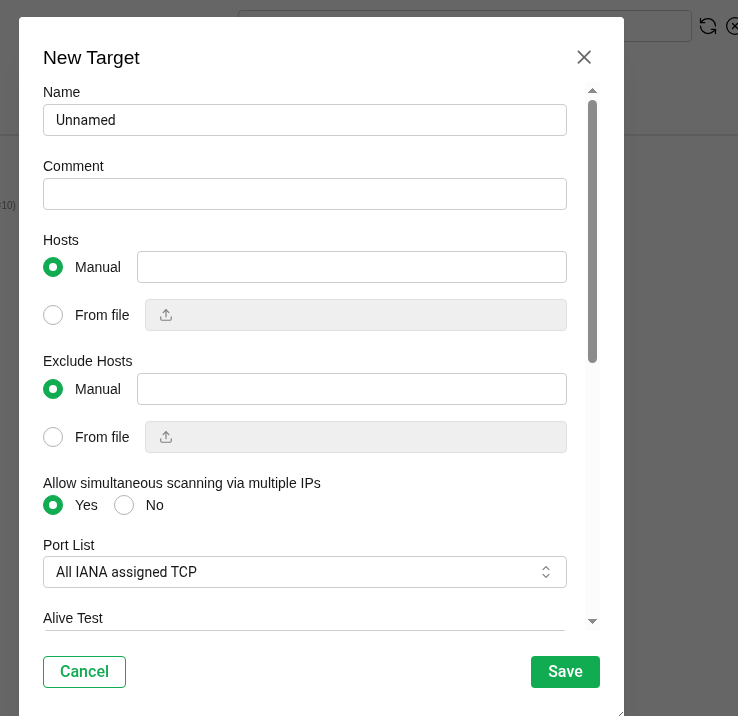 Add the details on
 NameandHostsand clicksave - To scan a target -> click on
scan -> Tasks -> new tasks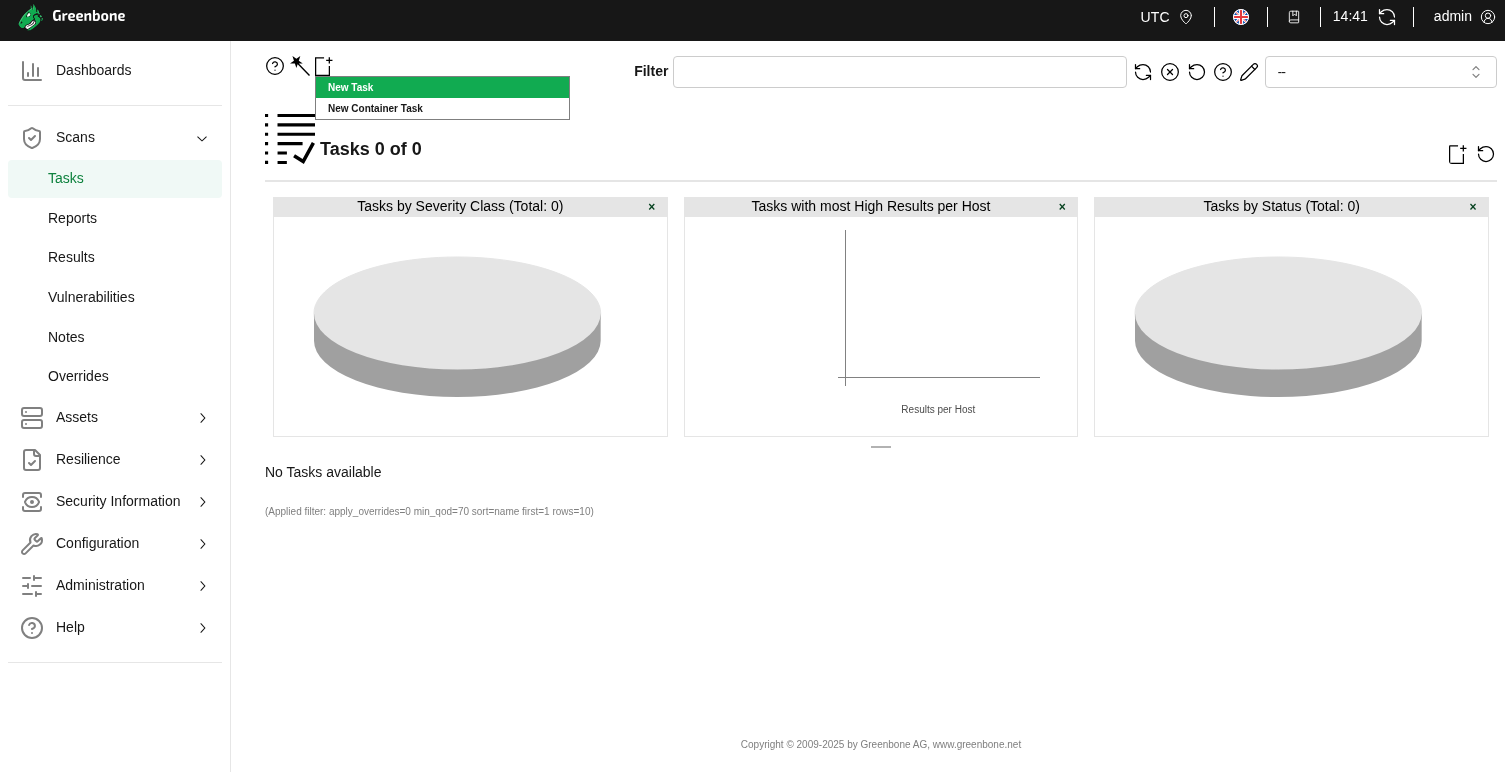
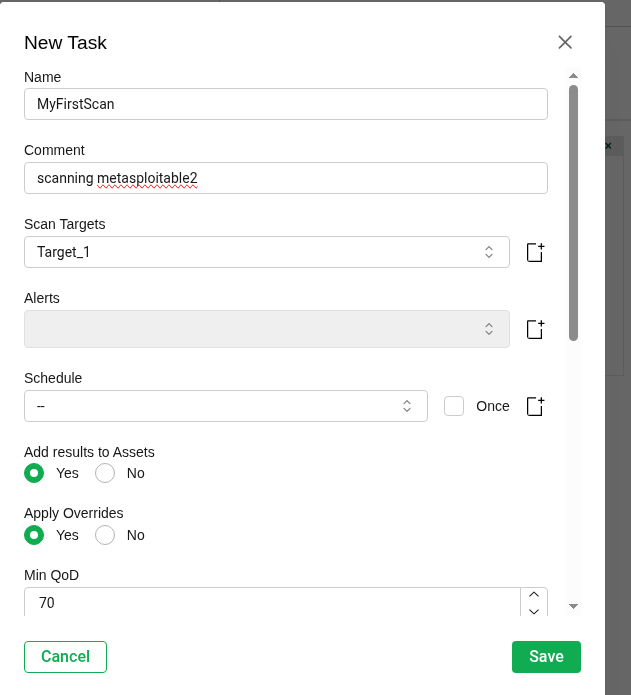
- click on the play button and complete the scan. It may take some time to sync the tasks. GVM-DOC