- NMAP supports both
MAC, IPaddress spoofing, follow the command.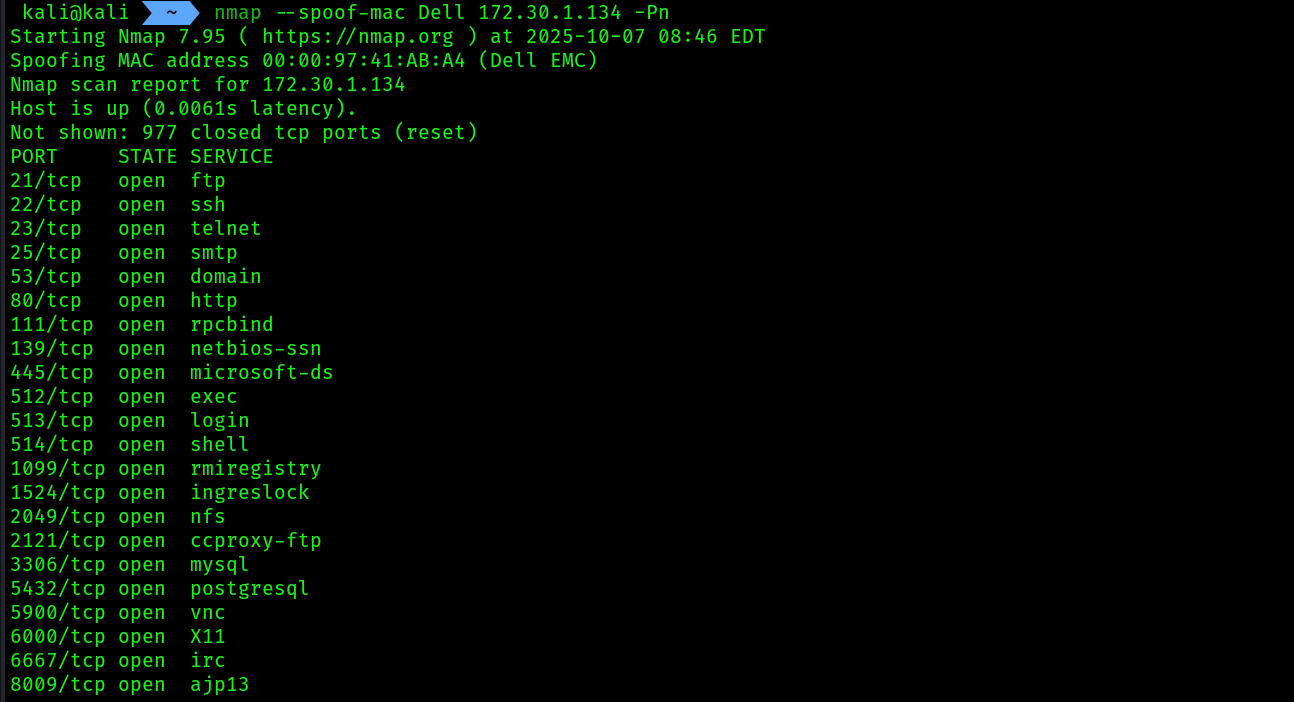
nmap -Pn --spoof-mac Dell target_ip
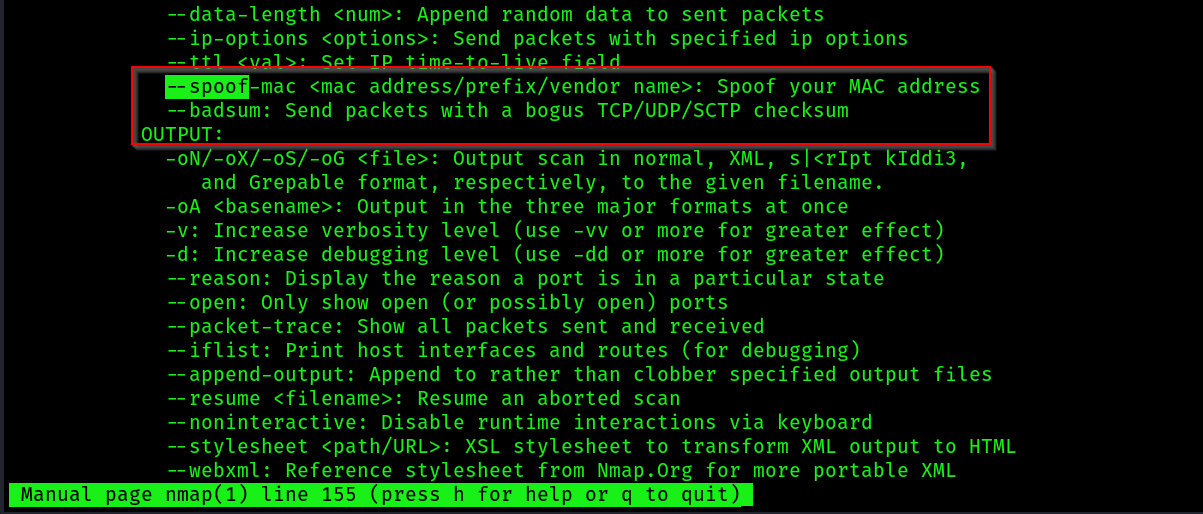
- I captured the live packet using
wiresharkit actually spoofed theMAC addressto DELL’S MAC address: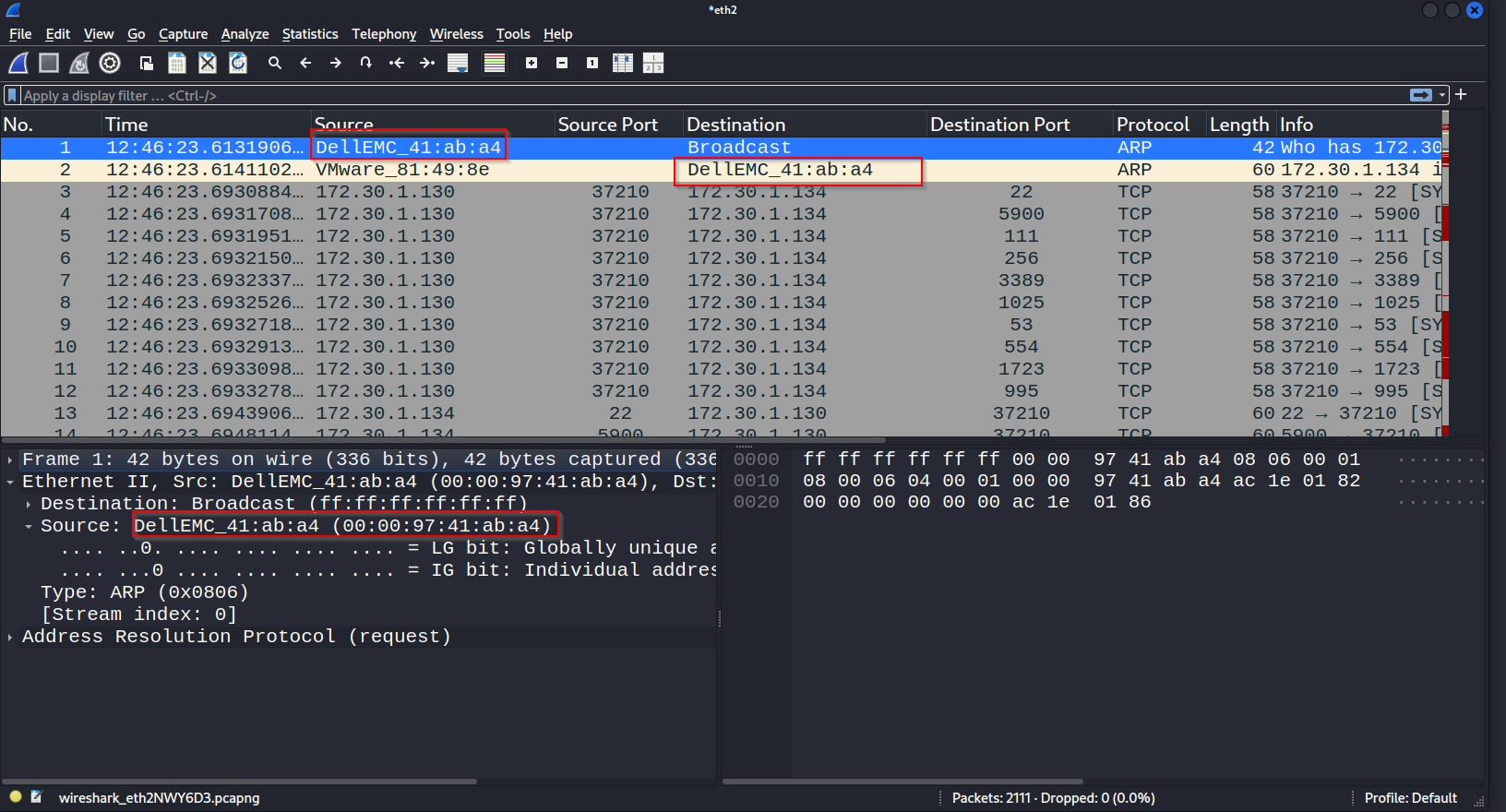
- you can set the option
--spoof-mac 0to let NMAP choose which vendor it wants to choose. - To spoof an IP address during a scan while using Nmap, use the
–Scommand:
sudo nmap -S spoofed_ip -e eth0 target_ip
# sudo nmap -S 192.168.0.1 -e eth0 172.30.1.134
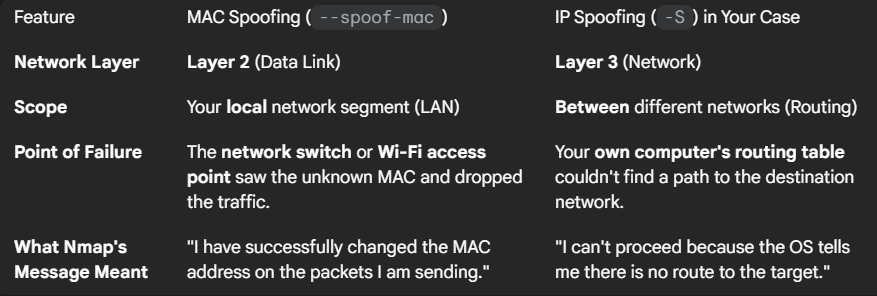
IP spoofing won’t work well, as when the target will try to do Three-way-handshake the TCP SYN-ACK reply will go to the spoofed IP, we will never receive a connection/scan results back.
- Use
DECOYonly for IPs,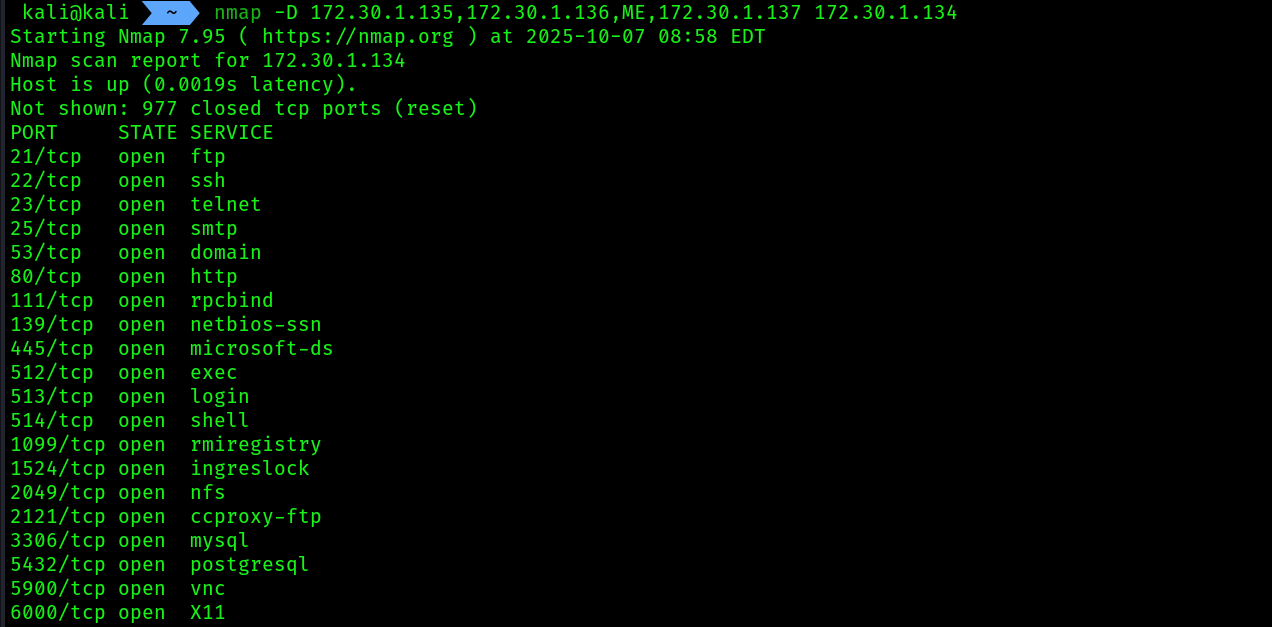
nmap -D DECOY_IP_1,DECOY_IP_2,ME,DECOY_IP_3 target_ip
ME: nmap will insert our actual IP in this place among the deocys, cool isn’t it.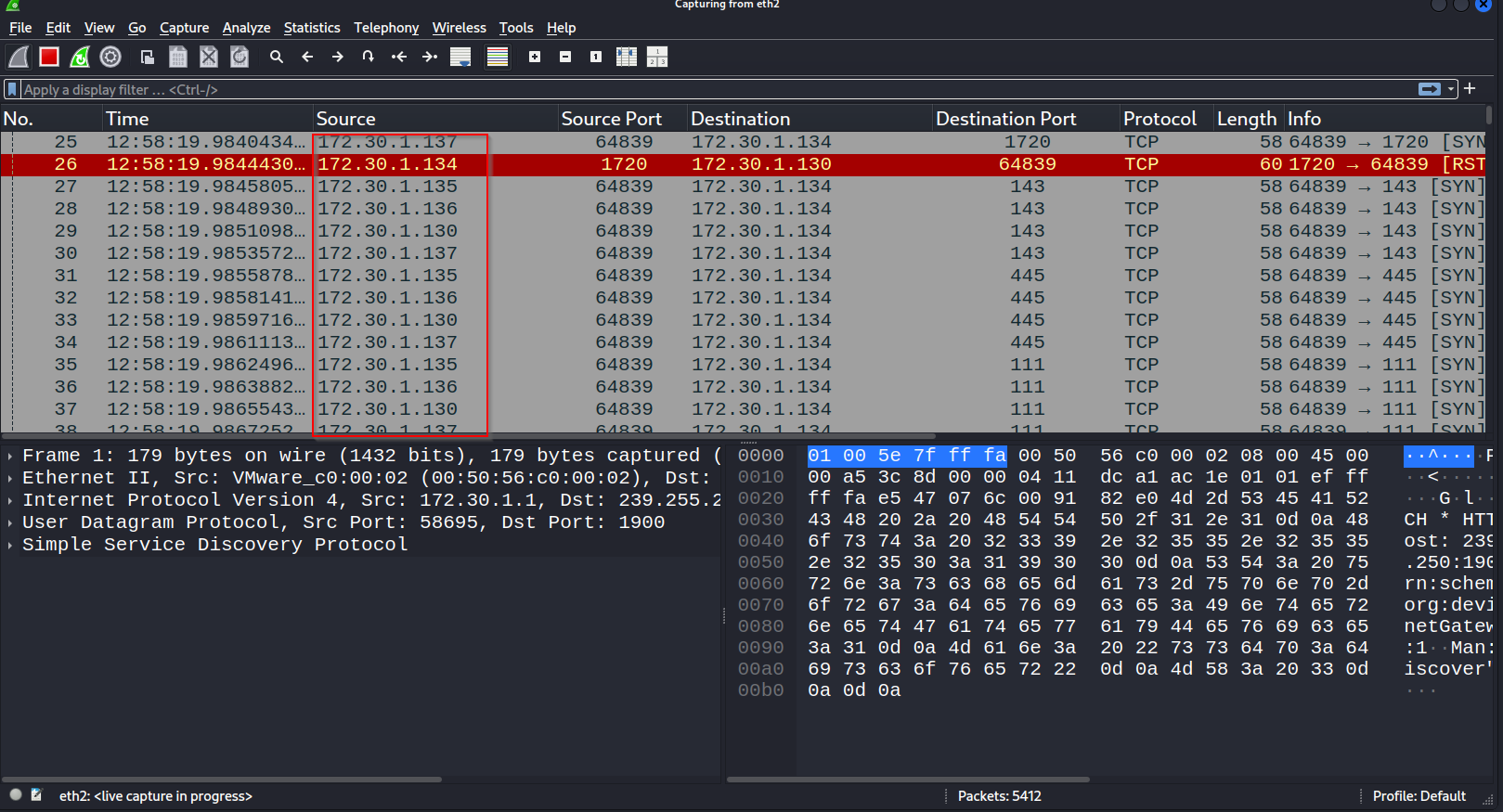
 Having completed this section, you have learned how to evade detection on a network while performing scanning using Nmap.
performing a stealth scan:
By default, Nmap establishes a TCP 3-way handshake on any open TCP ports found on the target systems. Once the handshake has been established between the attacker system and the target, data packets are exchanged between each host.
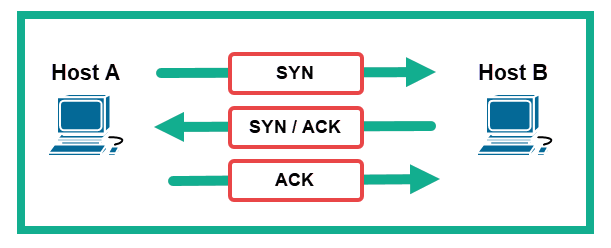
- To prevent Three way handshake , we can use
nmap'sstealth scan. A stealth scan does not establish a full TCP handshake with the target.- The attacker machine tricks the target by sending a TCP
SYNpacket to a specific port on the target system to determine if the port is open.
- The attacker machine tricks the target by sending a TCP
- Then, the target system will respond with a TCP
SYN/ACKpacket if the port is open. - Lastly, the attacker will send a TCP
RSTpacket to the target to reset the connection state and terminate the connection.
NMAPstealth scanning using filter-sS
nmap -sS -p80 172.30.1.134
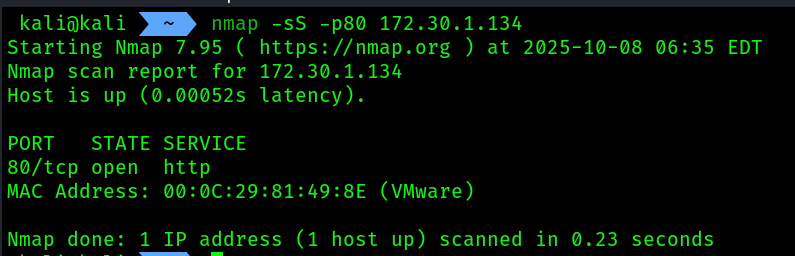
wireshark view of SYN -> SYN-ACK -> RST flow
