After discovering the subdomains of a target domain, it’s important to check each one to determine which subdomain leads to a login portal or a sensitive directory of the organization. However, there may be a lot of subdomains to check manually, and this process can be very time-consuming. As an aspiring penetration tester, you can be strategic and use a tool such as EyeWitness, which allows you to automate the process of checking each subdomain within a file and taking a screenshot of them.
installation:
- To install run these commands:
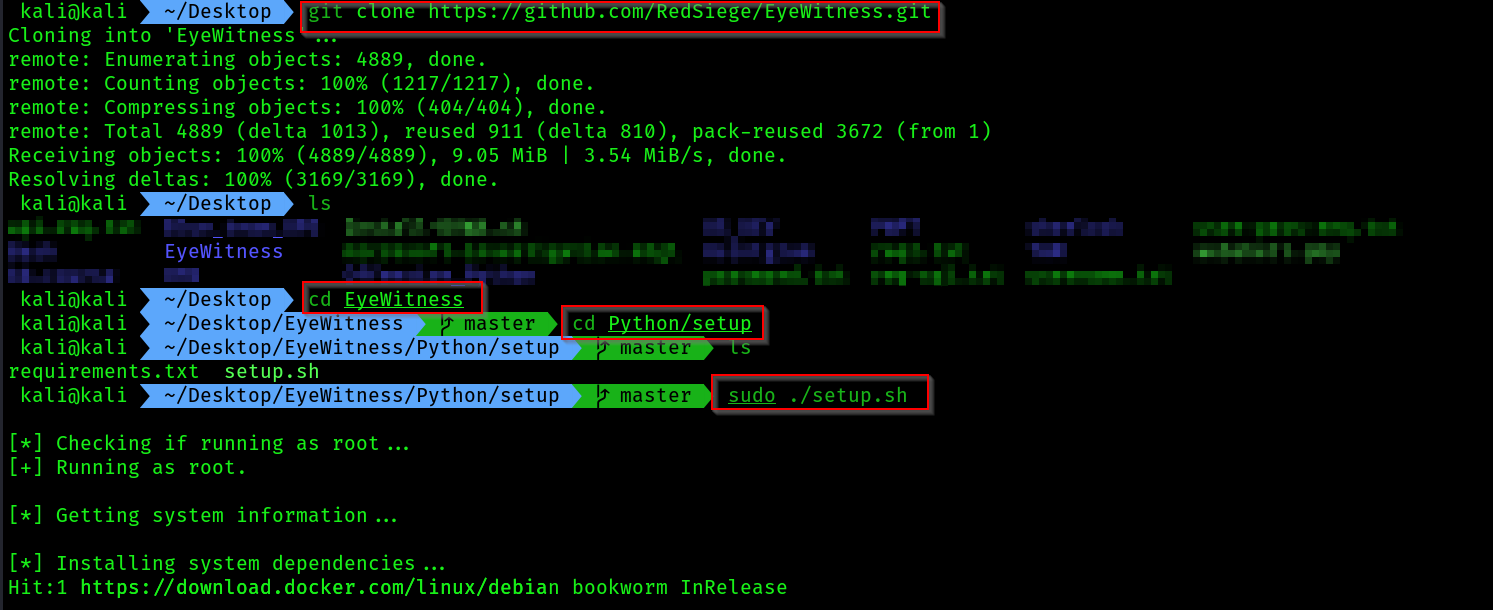
git clone https://github.com/RedSiege/EyeWitness.git
cd EyeWitness/python/setup
sudo ./setup.sh
- After running all these commands it should install the tool:

- Come back to the previous dir:

- Next, use the following commands to allow
EyeWitnessto capture a screenshot of each subdomain that was found within theMS-subdomains.txtfile
mkdir screenshots
# come to the dir where eyewitness py script is present
./EyeWitness.py --web -f /home/kali/subdomains.txt -d /home/kali/screenshots --prepend-https
- Syntax breakdown:
--web: Takes an HTTP screenshot–f: Specifies the source file, along with the list of domains to check–d: Specifies the output directory for the screenshots--prepend-https: Prepends http:// and https:// to the domains without either protocol
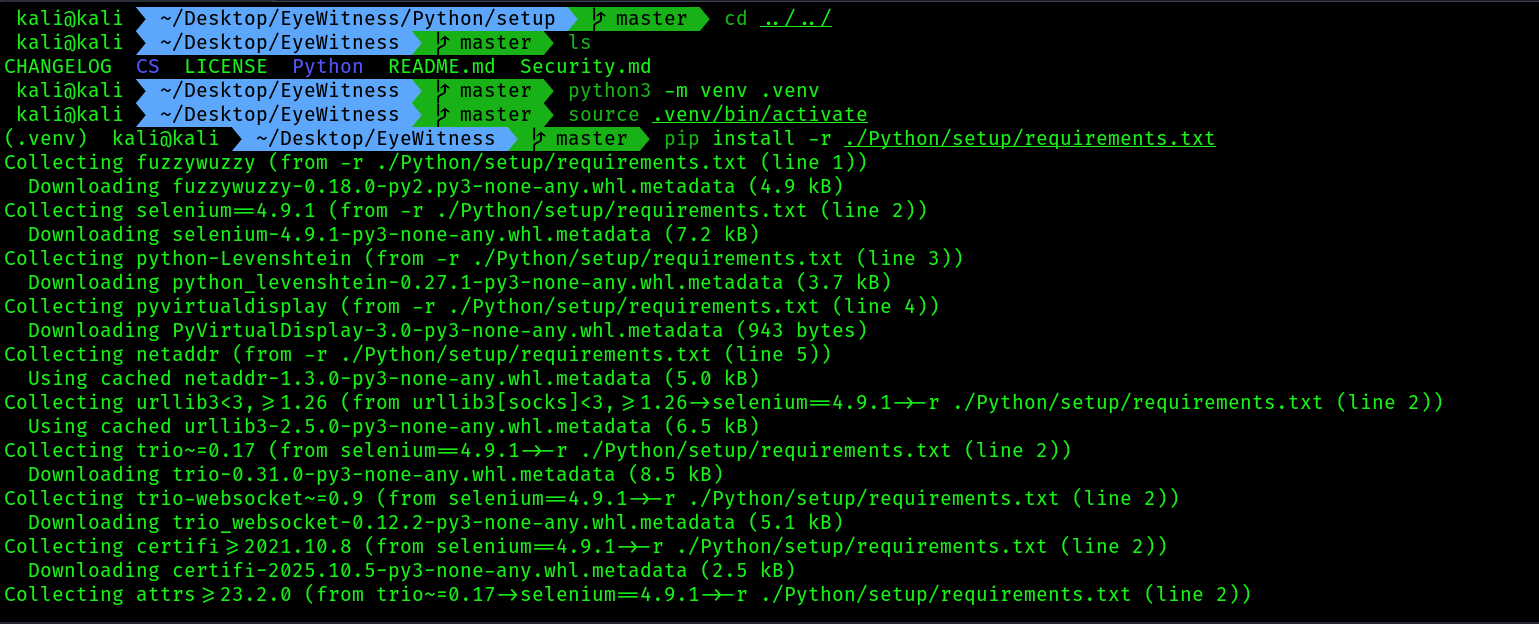
I had various issues while installing this tool on newer kali linux, so i used a different method , so to do this follow the below commands:
cd ~/Desktop/EyeWitness/
# 1. Create the virtual environment
python3 -m venv .venv

# 2. Activate it
source .venv/bin/activate

# 3. Install the required Python packages into it
pip install -r ./Python/setup/requirements.txt

# 4. Run EyeWitness (while the venv is still active)
./Python/EyeWitness.py --web -f /home/kali/MS-subdomains.txt -d /home/kali/screenshots_TUKL --prepend-https