DNSMap
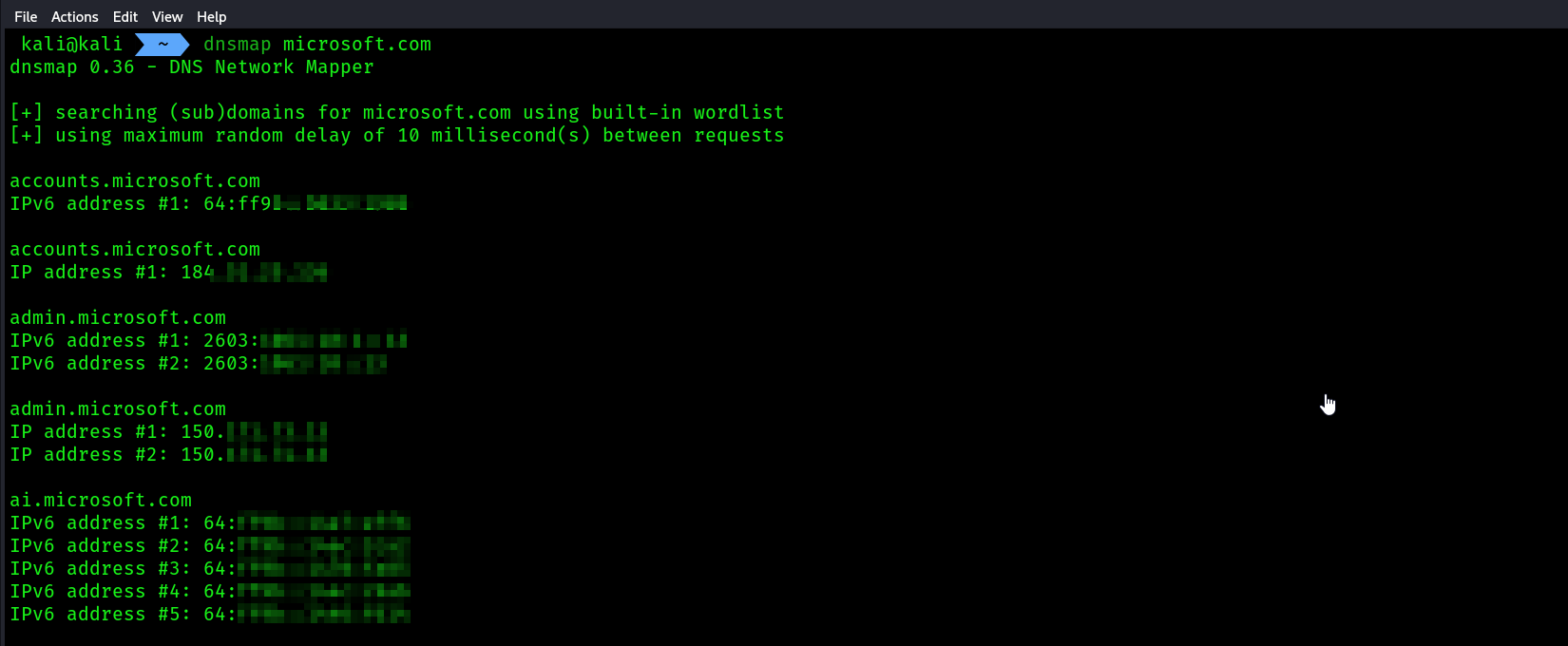
DNSmap works a bit differently from the tools we looked at in the previous sections. DNSmap attempts to enumerate the subdomains of an organization’s domain name by querying a built-in wordlist on Kali Linux. Once a subdomain has been found, DNSmap will also attempt to resolve the IP address automatically.
sublist3r
You can leverage the power of search engines for discovering sub-domains by using the Sublist3r tool. Sublist3r is a Python-based tool that is used to enumerate (extract/obtain) the subdomains of a given website using OSINT, such as search engines and other internet indexing platforms.
- Install
sublist3r
sudo apt update
sudo apt install sublist3r
- Running
sublist3r
sublist3r -d microsoft.com
- Use this command to add the results into a file

- Or you can simply do this:
sublist3r -d target_domain 2>1 /dev/null > subdomains.txt
2>1 this will transfer all the errors caused by the command to /dev/null which is a black hole in linux, then outputting > the results into a file.
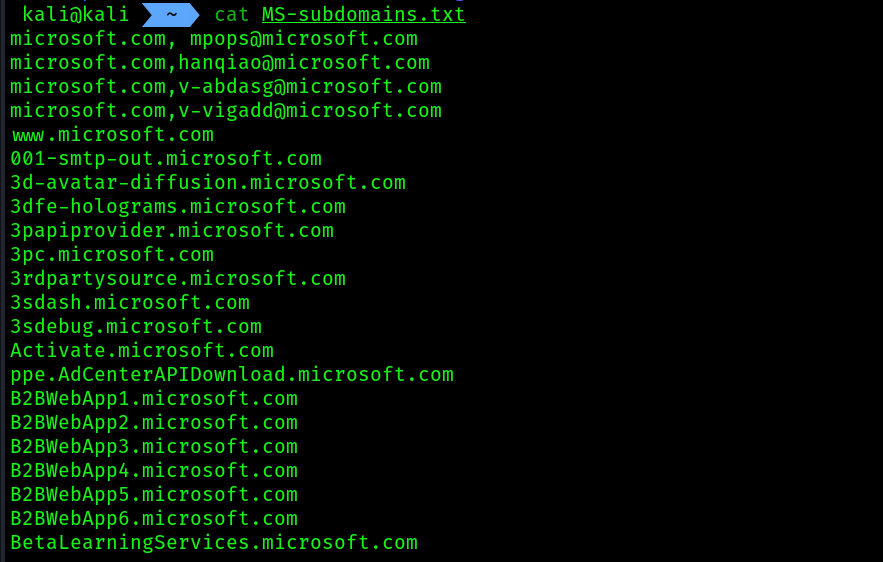 5. Edit the txt file, and adjust the first 4 entries, remove the comma and then separate two subdomains like this
microsoft.com anotherdomain.com
Sub-domain discovery using knockpy:
Knockpy is a Python-based tool that is used to enumerate (extract/obtain) the sub-domains of a targeted public domain using OSINT techniques and data sources, such as search engines and other internet indexing platforms.
- Installation:
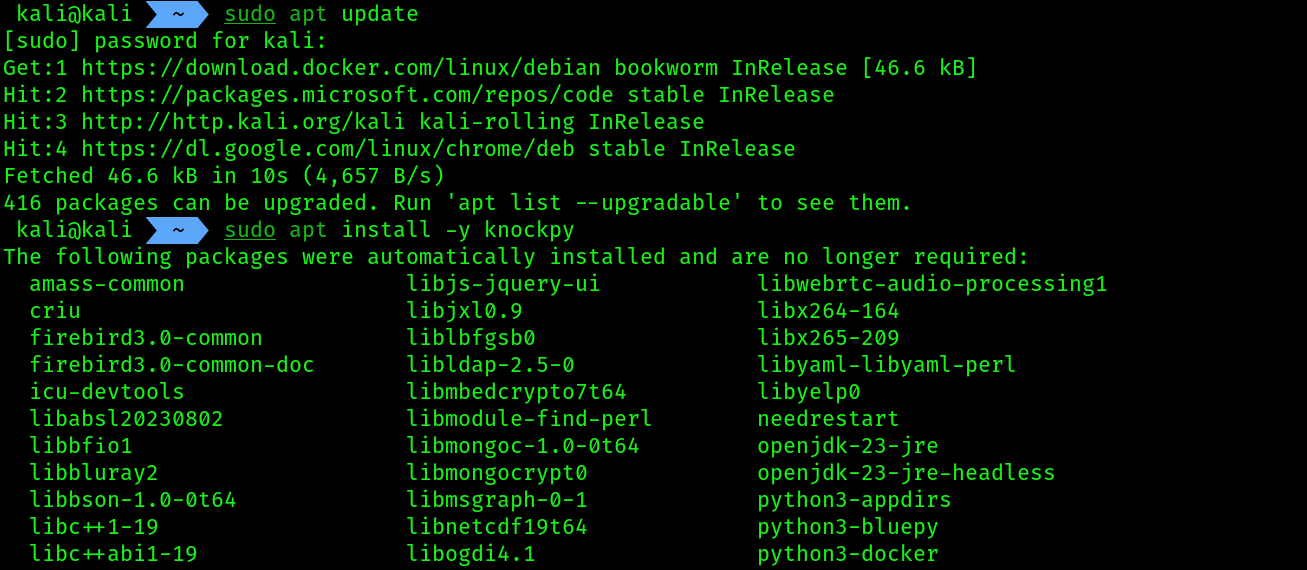
sudo apt update && sudo apt install -y knockpy
 2. USAGE:
knockpy --recon --dns 8.8.8.8 -d microsoft.com
The --recon syntax specifies to perform sub-domain enumeration, --dns syntax enables you to specify a custom DNS server to query, and -d specifies the targeted domain.