Employees of an organization often leak too much information about themselves and their company. While many employees are very happy to be working in their organizations, sometimes, they share information that can be used during cyberattacks by a threat actor. As an aspiring penetration tester, this information can also be leveraged during a penetration test on the target organization.
The following is some information that’s commonly leaked:
- Employee contact information, such as telephone numbers and email addresses, that can be used during social engineering and account takeover attacks.
- Sharing photos with their employee badges, which can be used by a threat actor to create a fake ID for impersonation.
- Pictures of an employee’s computing systems and desktop, which can inform a threat actor about the available device vendors and operating systems.
- Projects that have been completed by the employee may contain specific technical details, which can allow a threat actor to profile the internal network infrastructure.
Gathering information from instagram:
- Using
sherlock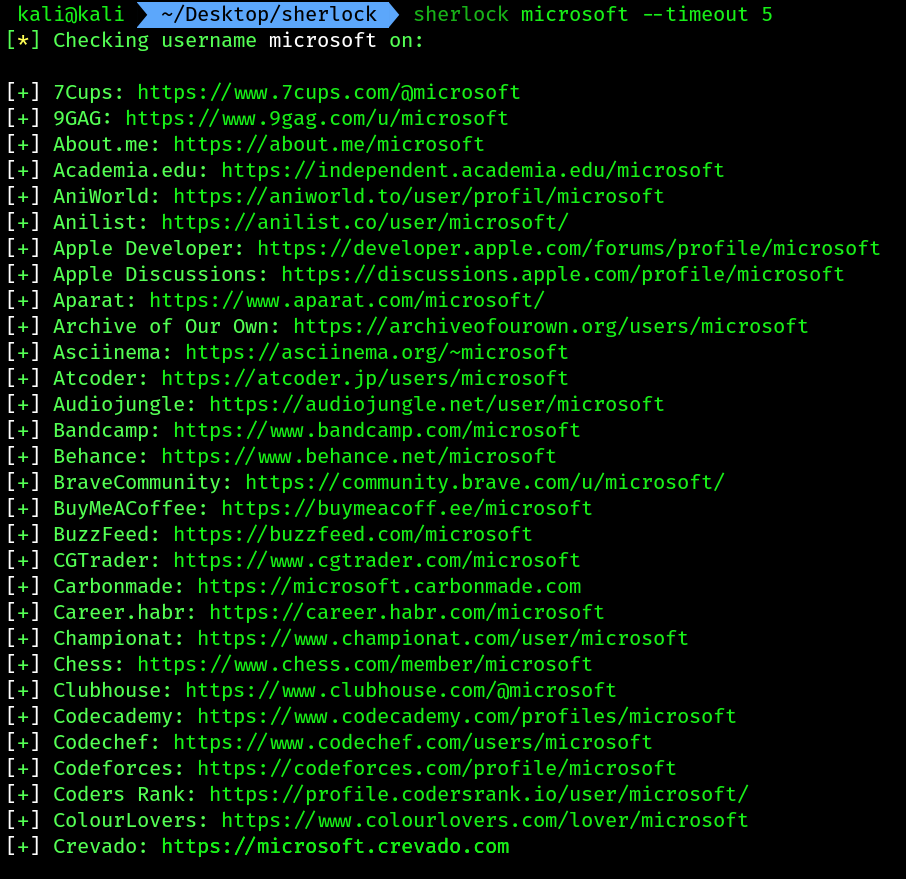
--timeoutcommand ensures thatsherlockdoesn’t spend more than 5 seconds on a site.
Gathering company’s infra data:
- we can use tools like
wappalyzerto see what kind of tech a target website is using: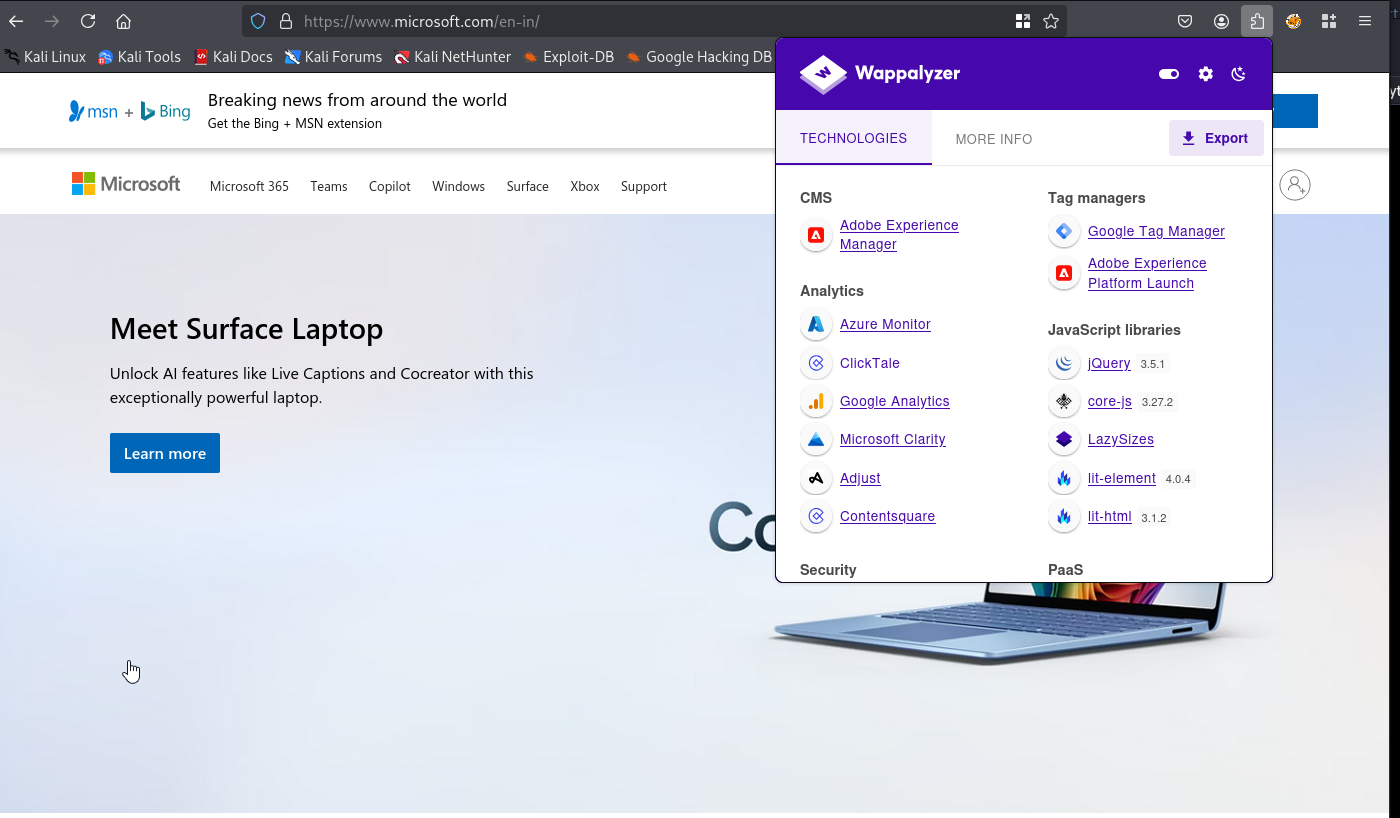
- We can also utilize a website called built-with for getting the technology profile of a target website.
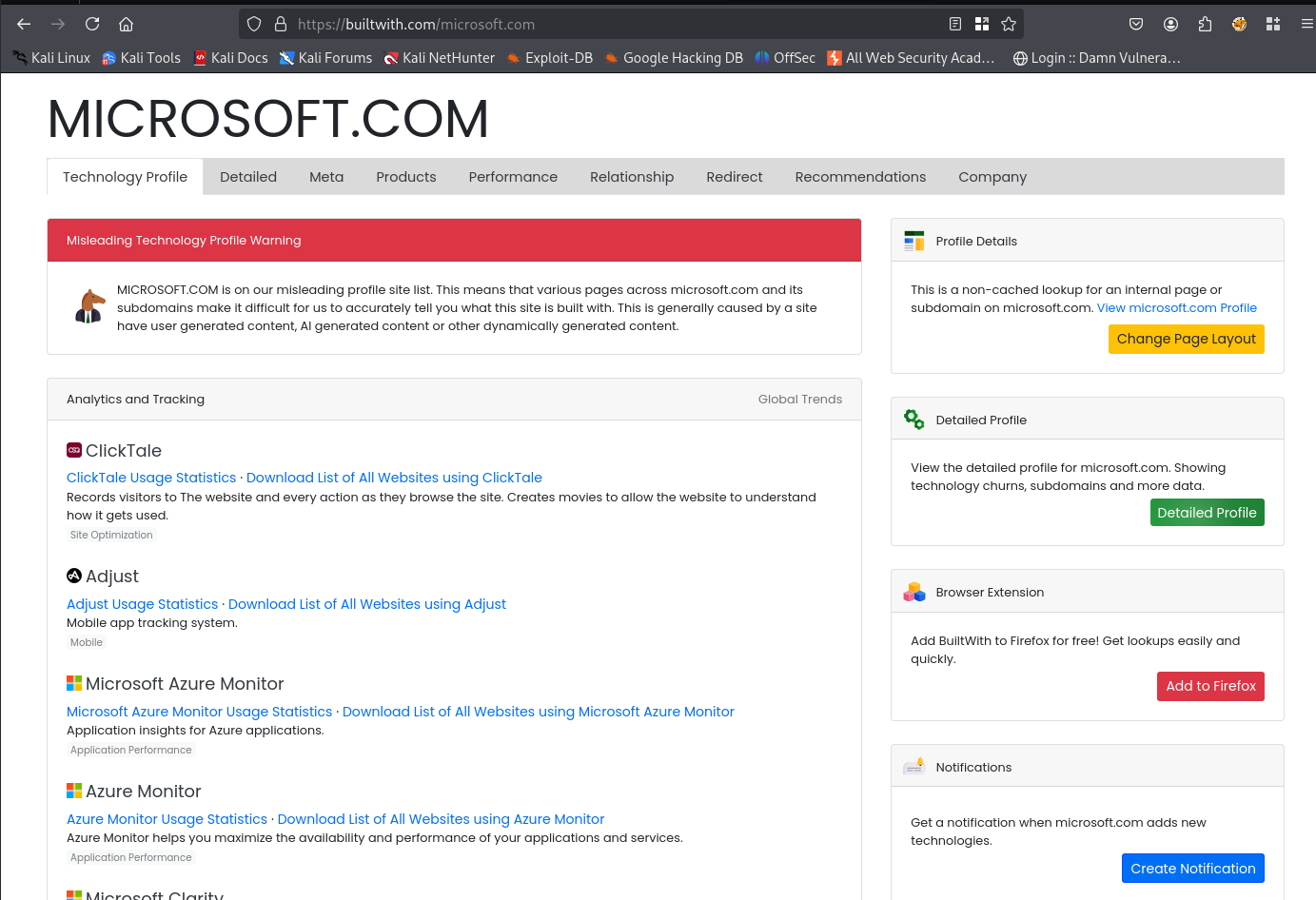
Shodan:
Shodan is a search engine for Internet of Things (IoT), systems, and networks that are directly connected to the internet. Ethical hackers, penetration testers, and even threat actors use Shodan to identify their organization’s or target’s assets, and they check whether they have been publicly exposed on the internet.
- Go to
https://www.shodan.io - Make an account and login first.
- Once logged in search for
windows sevrer 2008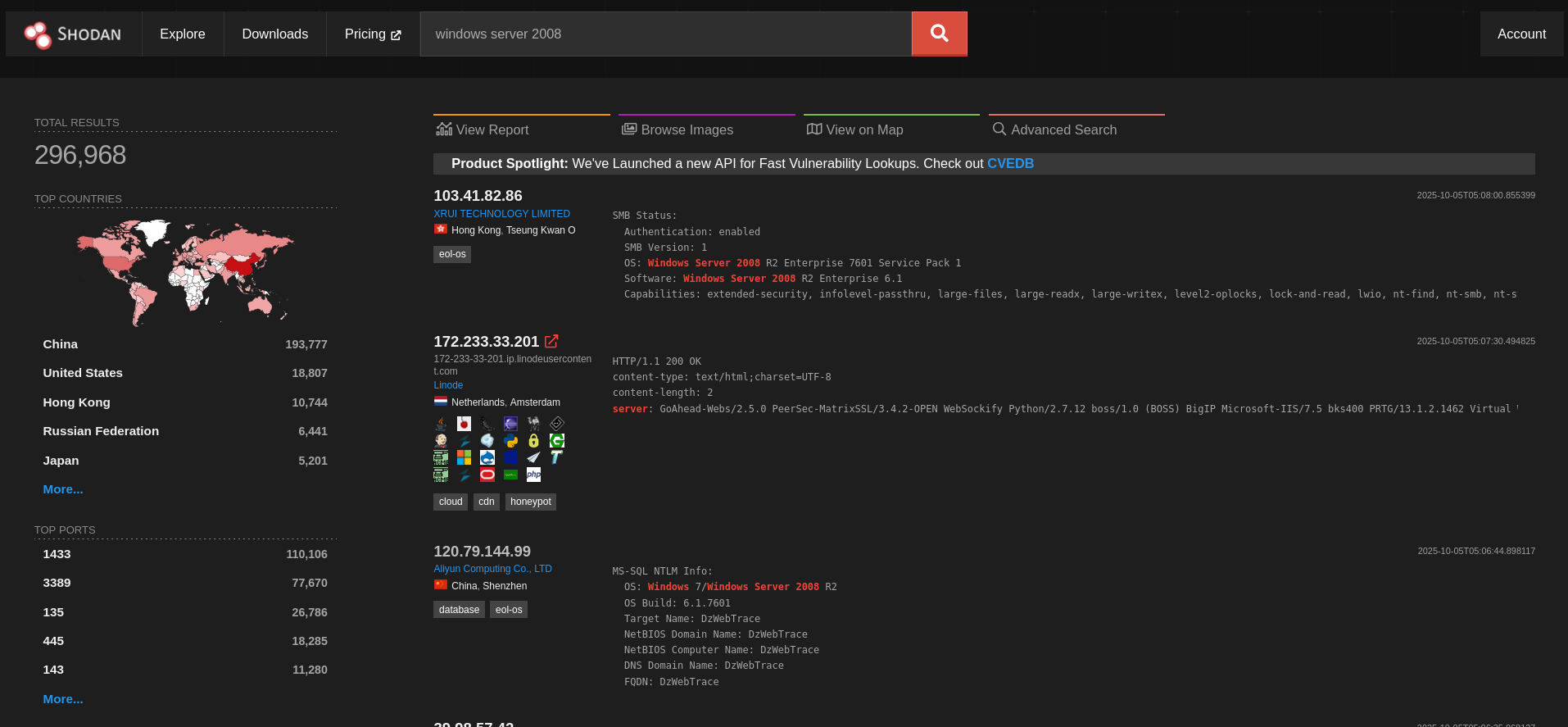
- Then click one of those , this will provide additional information:
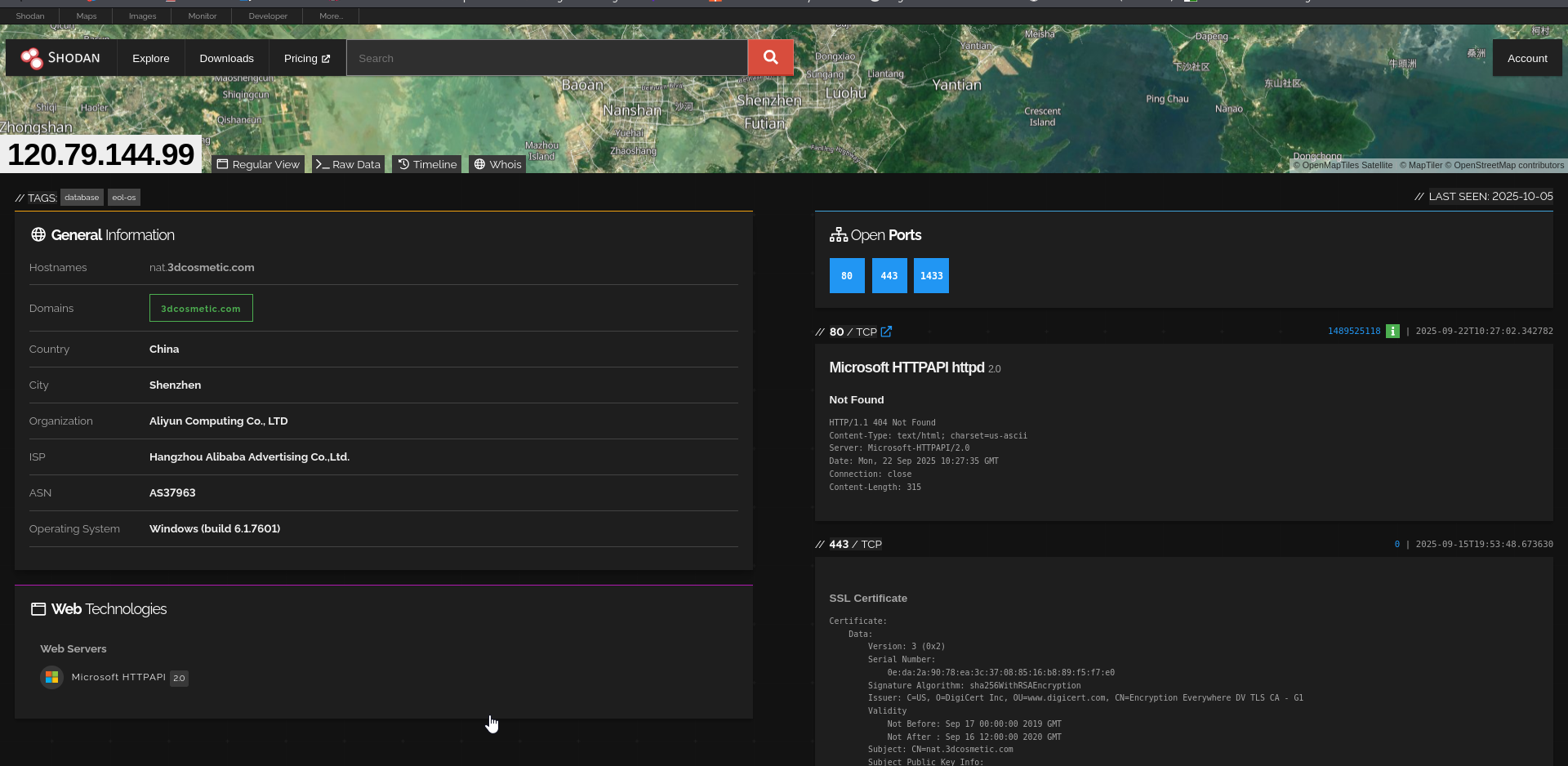
Some port numbers for identification:
- Port 21: There’s a File Transfer Protocol (FTP) server.
- Port 53: This system is providing Domain Name System (DNS) services
- Port 80: There’s a web server on this device.
- Port 110: This device is providing Post Office Protocol 3 (POP3) services for email clients.
- Port 143: This system is running Internet Message Access Protocol 4 (IMAP4) services for email clients.
- Port 3389: Microsoft Remote Desktop Protocol (RDP) operates on this port by default, which means RDP is currently active.
- Port 8181: Provides email services over this port.
Sometimes shodan provides us with CVE(Common Vulnerabilities and Exposure) for particular machines that is connected through internet. It can be very helpful for penetration testers.
Censys:
Censys can gather intelligence on any publicly accessible system or network on the internet. To start gathering data about a target follow these steps:
- Register on
https://search.censys.io - Then login
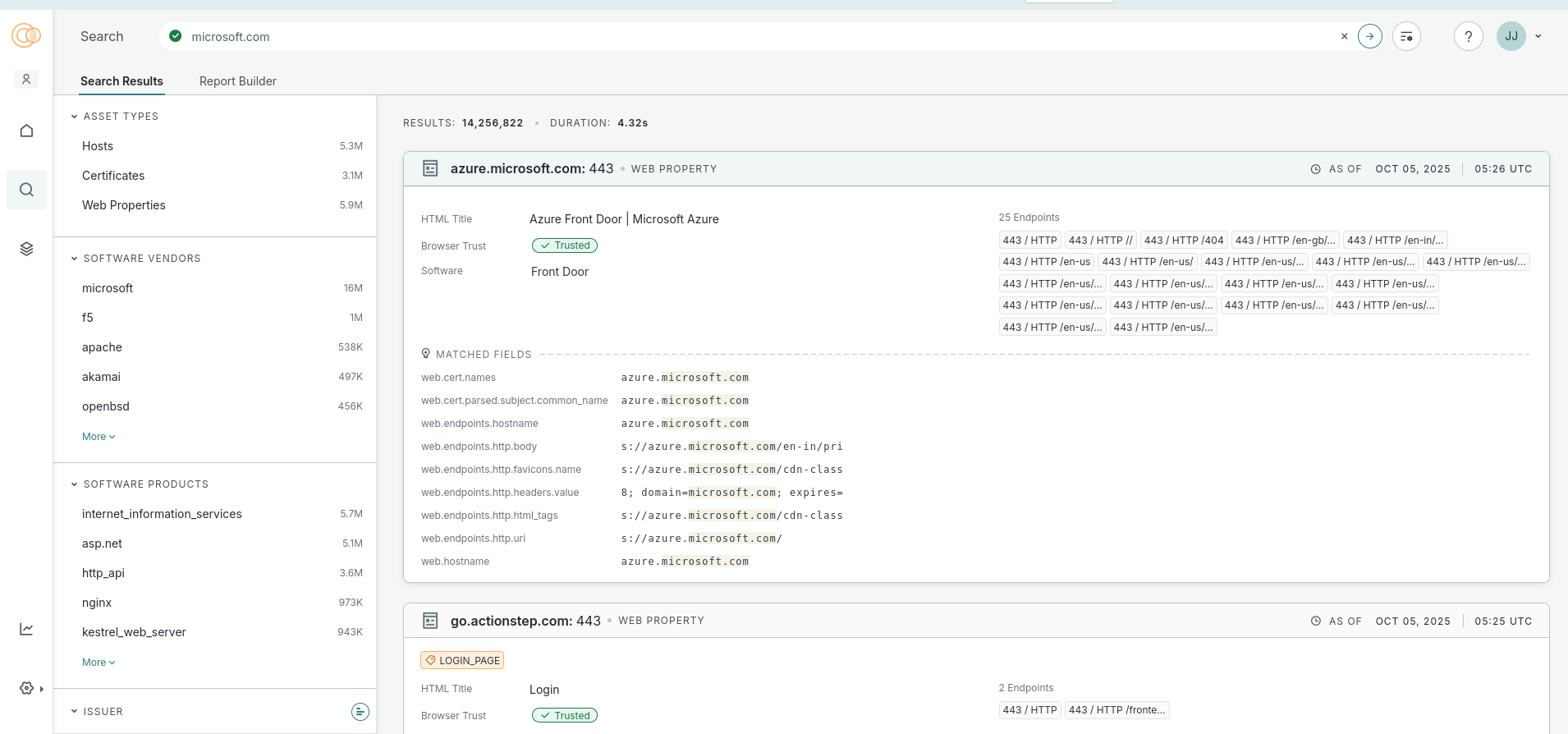
- Search for any query you need :
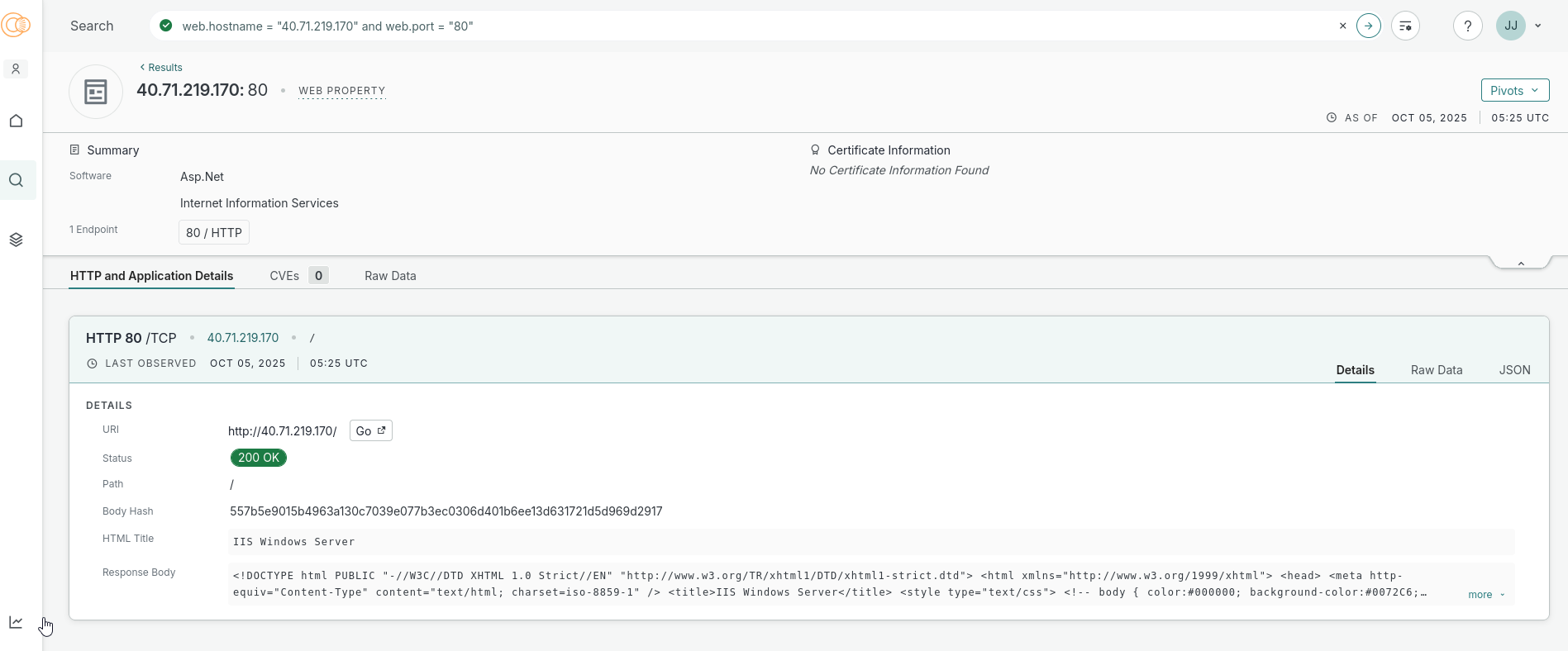
- I went to one of the machines and this provides me additional information :
Maltego:
Maltego is a graphical open source intelligence tool that was created by Paterva and is now maintained by Maltego Technologies. This tool helps ethical hackers and penetration testers quickly gather an organization’s infrastructure data by using a graphical interactive data mining application. This application can query and gather information from various sources on the internet and present data in easy-to-read graphs. These graphs provide visualizations of the relationships between each entity and the target.
- Sign in to
https://maltego.com - Complete the whole form, after completion come to the kali desktop.
- Then search for
maltego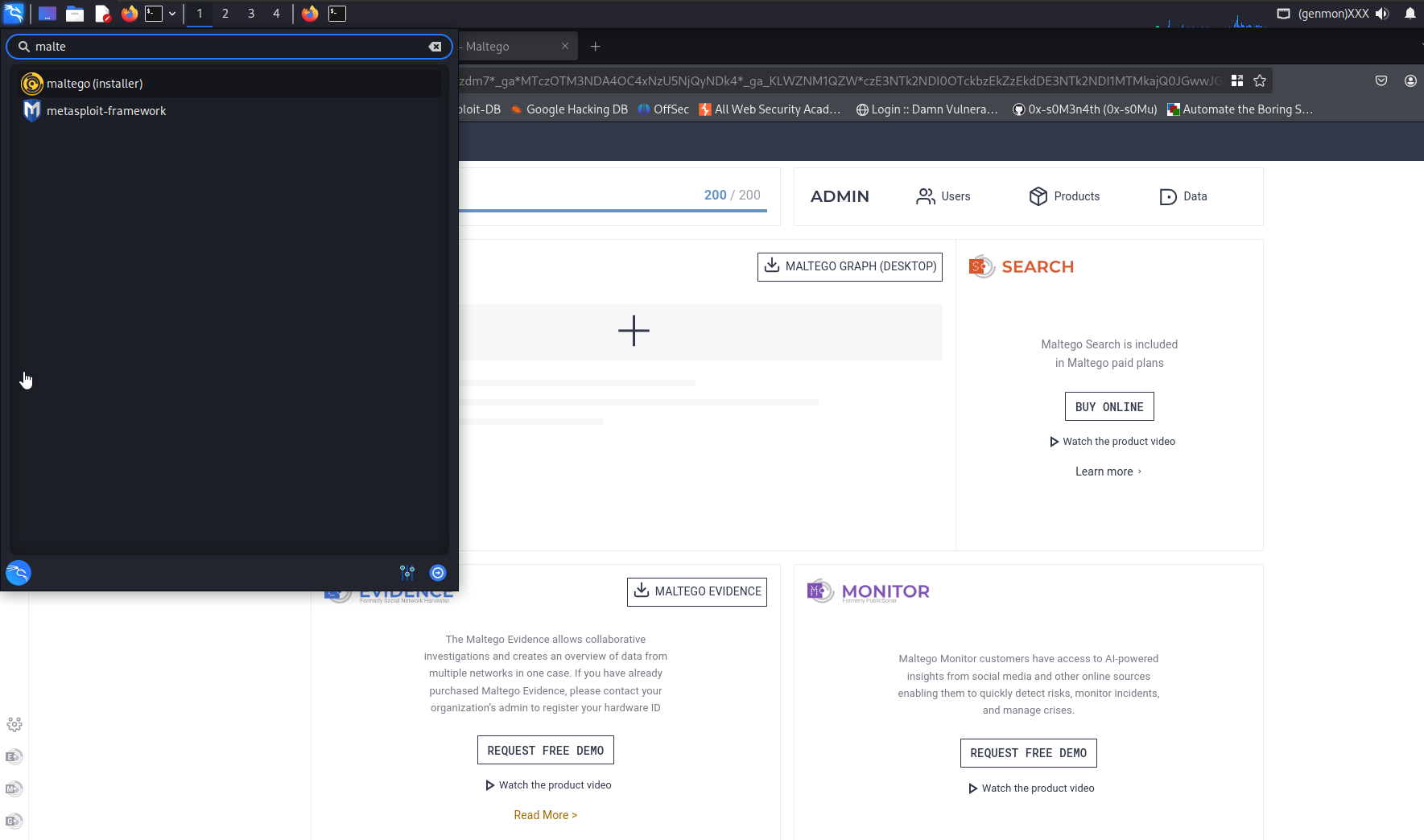
- From the installer install
maltego - Then again search for
maltegoon the kali search bar, and open it. - Your maltego setup wizard will open up. Log in with your
maltego IDyou setup onto the browser.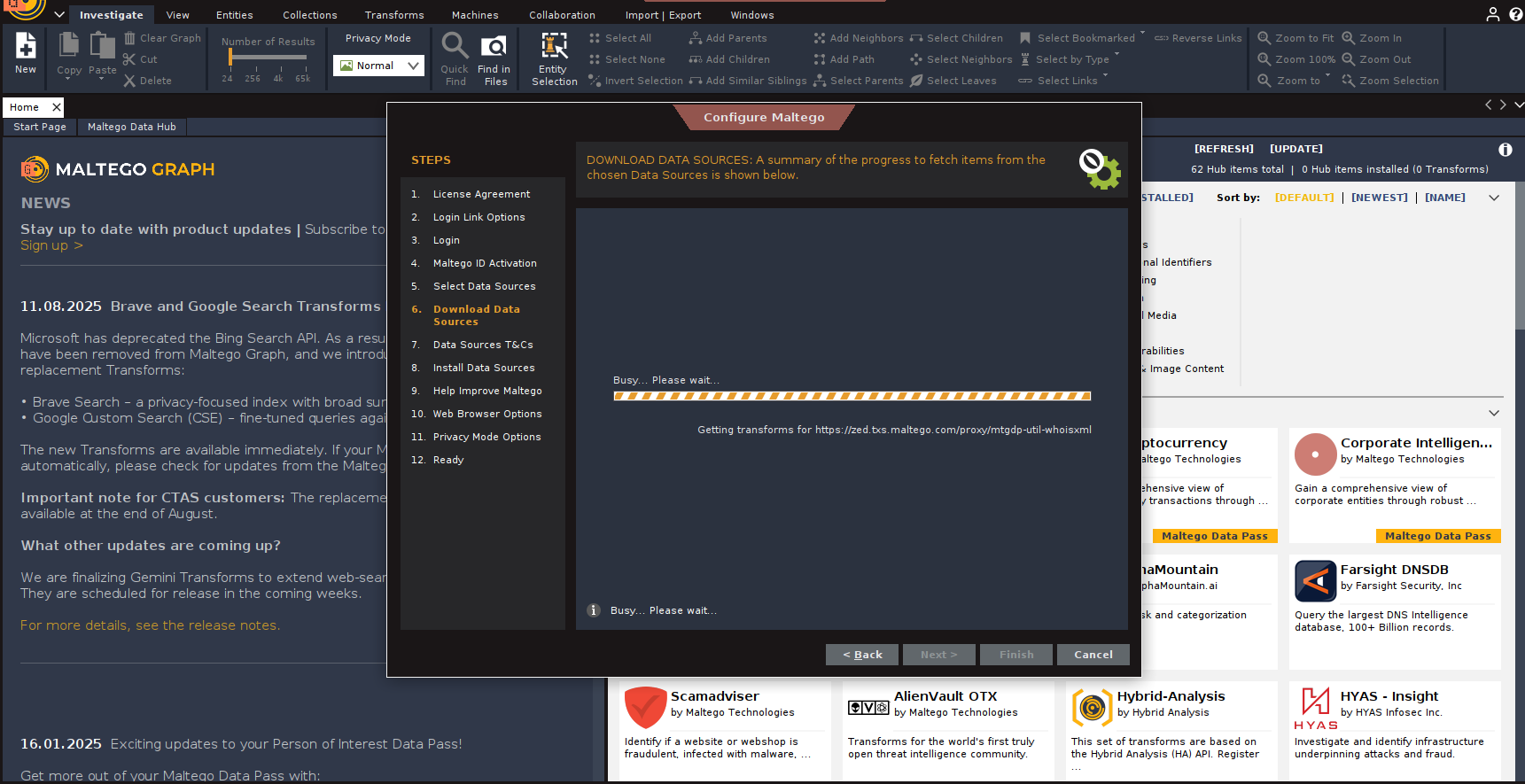
- After the setup, click on
Newbutton on the left corner: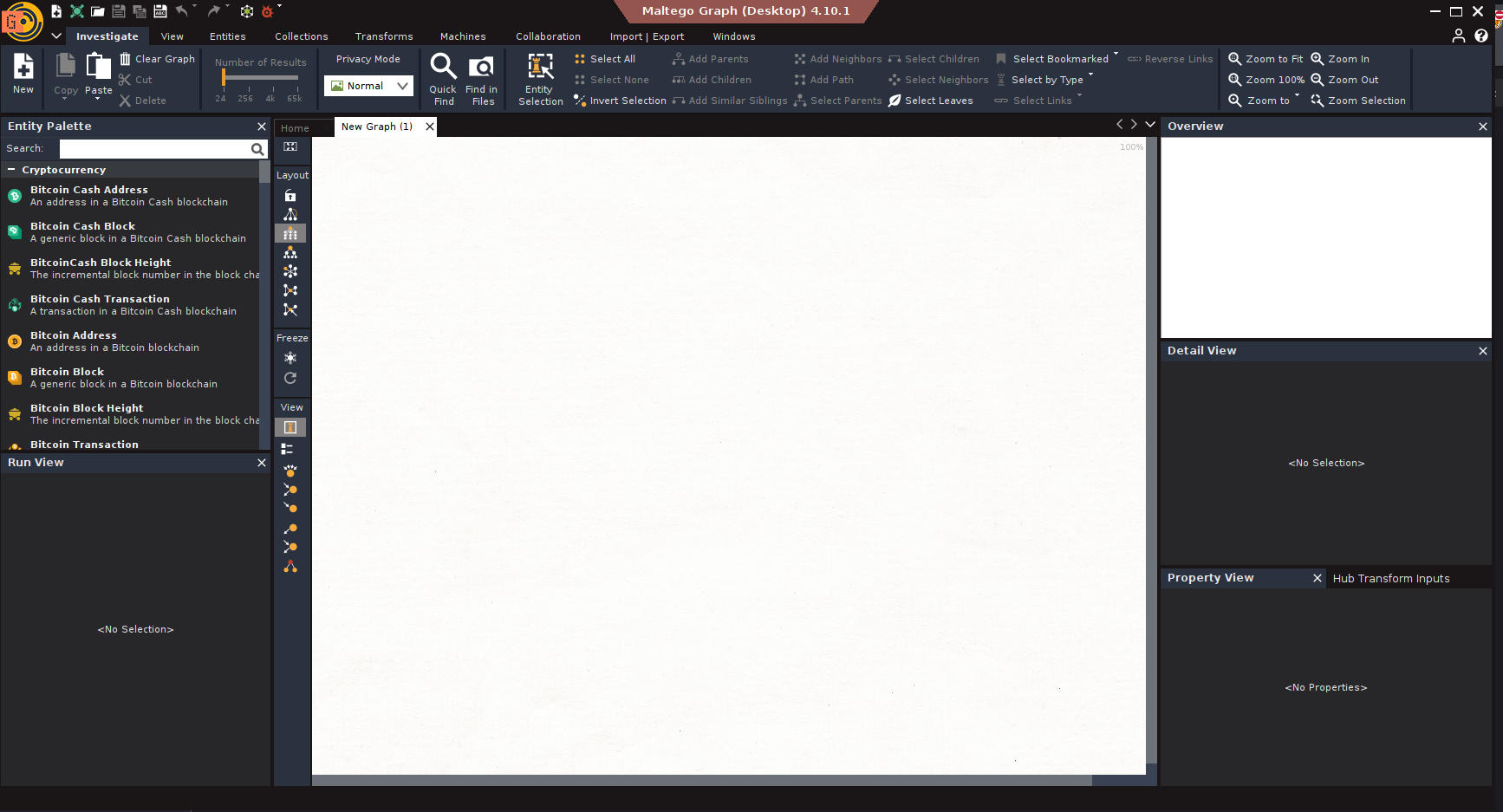
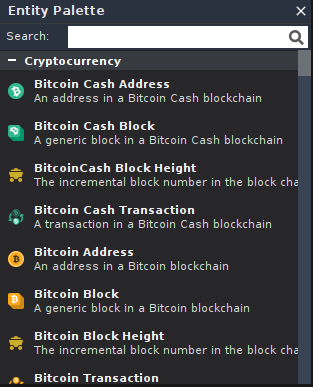
- Entity palette:
- Onto the search bar search for
Domainand drag and drop theDomain entityinside the graph: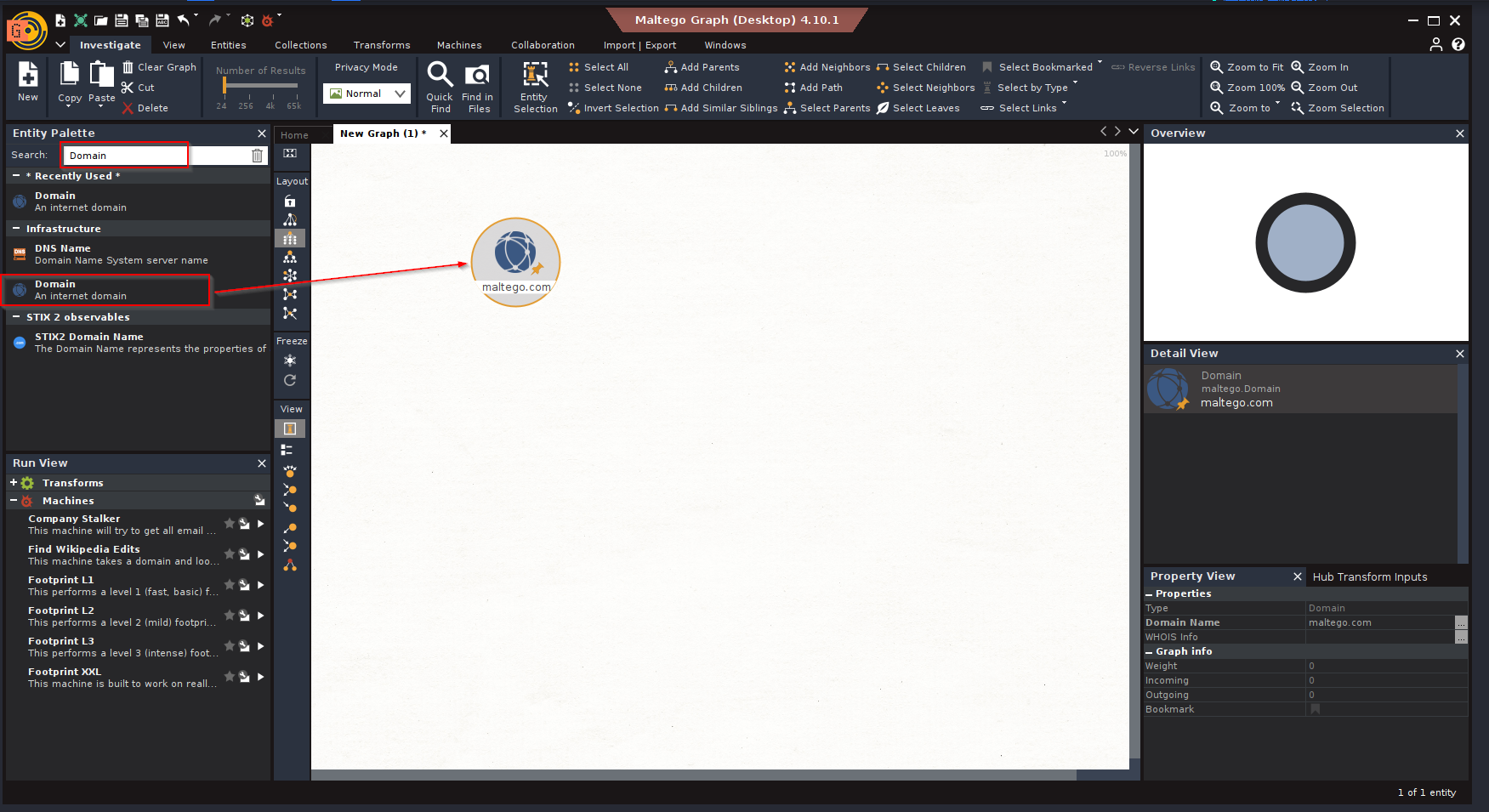
- Double click on the dragged
Domain entityand set your target domain name :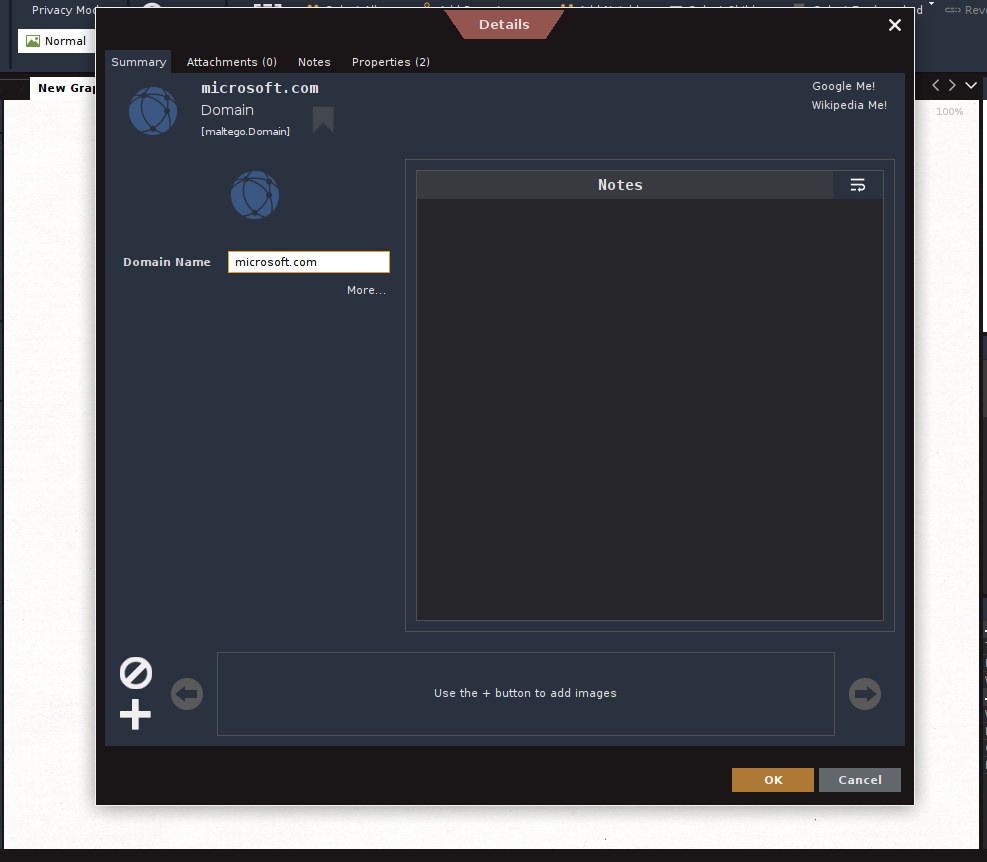
- To gather the Domain Name System (DNS) information about the domain, right-click on Domain entity and select DNS from Domain > To DNS Name – MX (mail server).
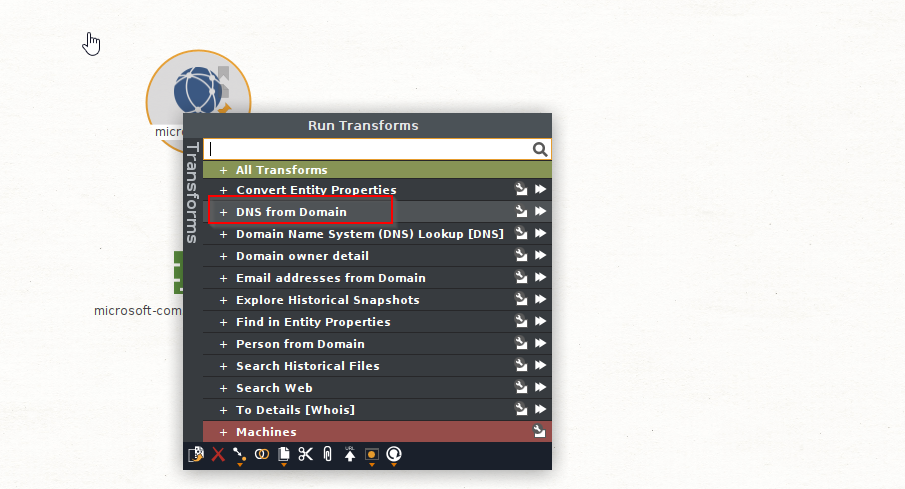
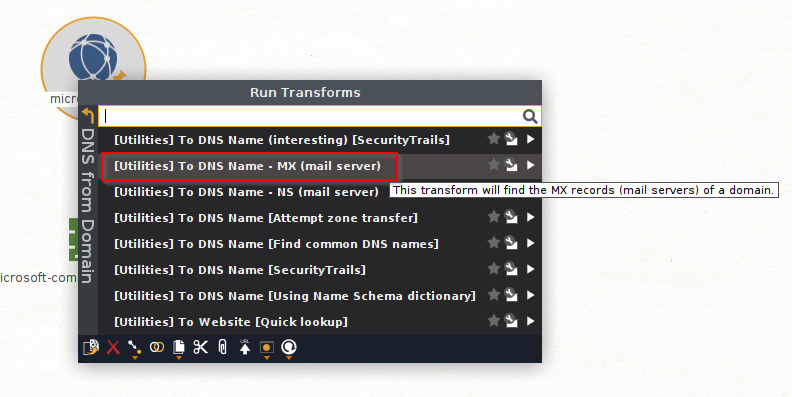
- Now
maltegowill find microsoft’s email server.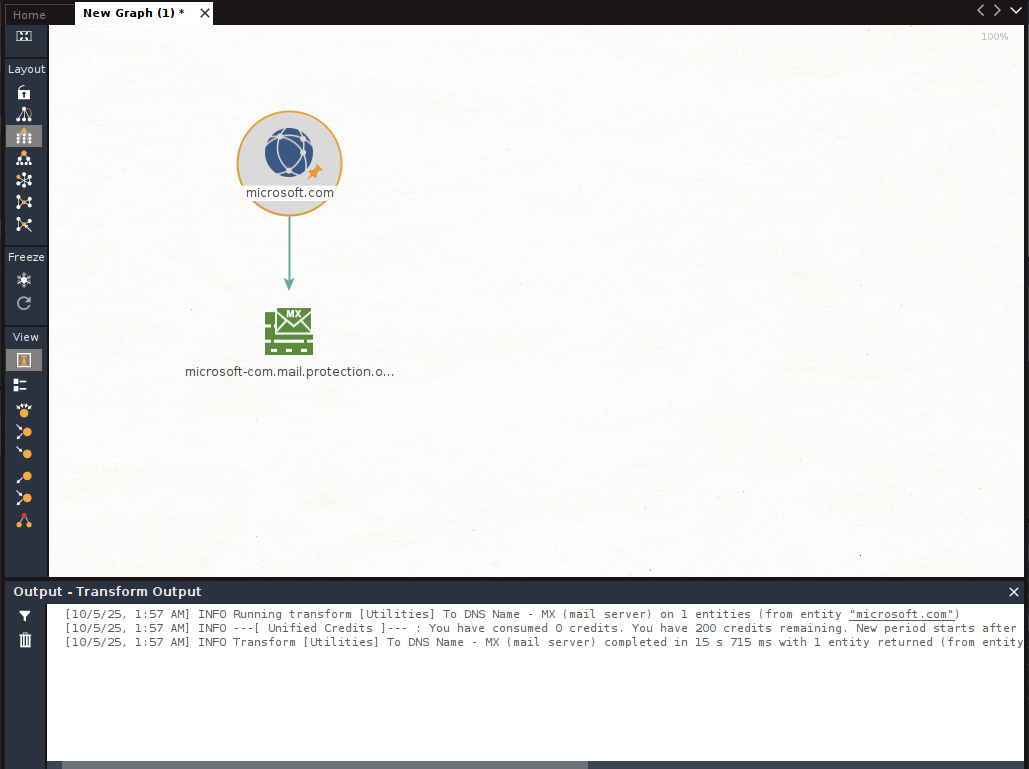
- To get the IP addresses of an object, such as the email server, right-click on the email server entity and select
Resolve to IP.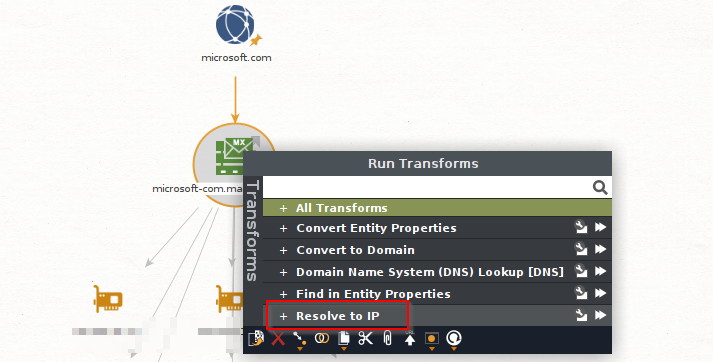
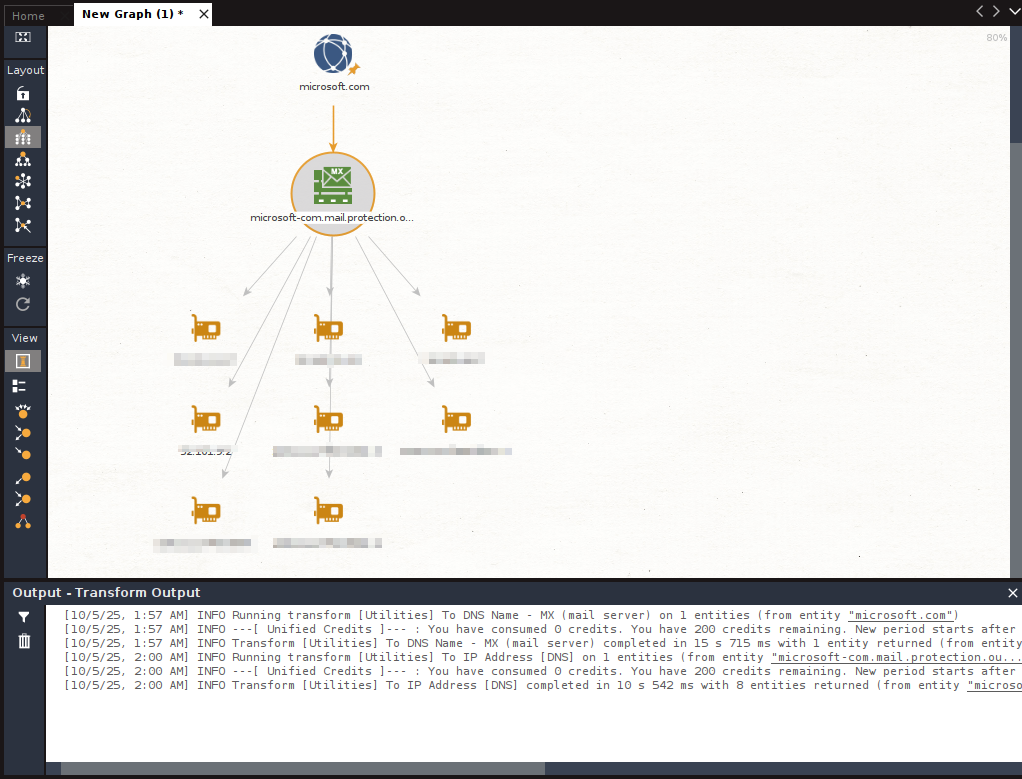
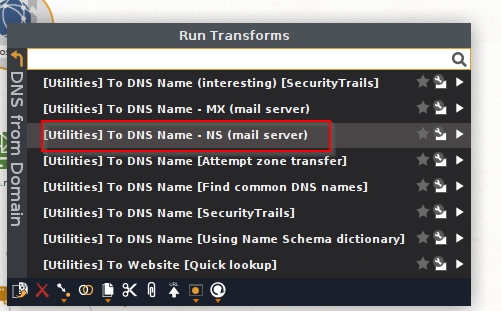
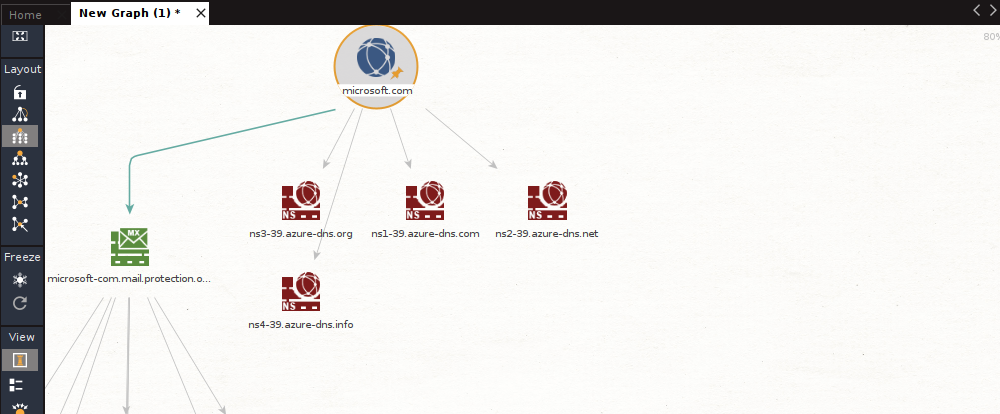
- To discover the Name Server (NS) of a target domain, right-click on Domain Entity > DNS from domain > To DNS Name – NS (name server).
- To gather website information about the target domain, right-click on the Domain entity and select DNS from domain > To Website (Quick lookup). This will allow you to discover the target’s website address.
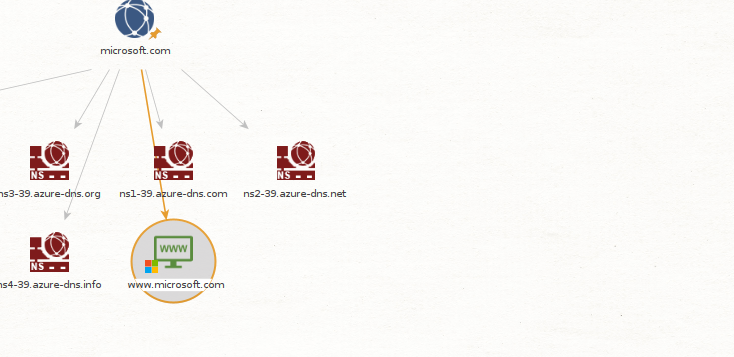
- To get a list of all the web links for the target’s website, right-click on the Website entity and select Links in and out of site.
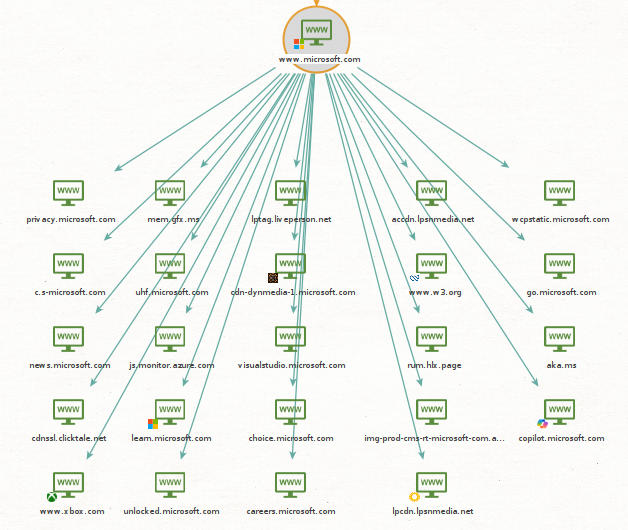
- To get a list of publicly available email addresses that are associated with the target’s domain name, right-click on the Domain entity and select Email addresses from Domain.
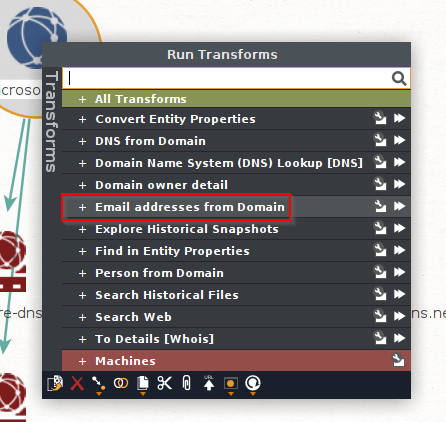
- DONE
Netcraft:
Netcraft allows you to gather information about a target domain, such as network block information, registrar information, email contacts, the operating system of the hosting server, and the web platform.
- Go to
https://searchdns.netcraft.com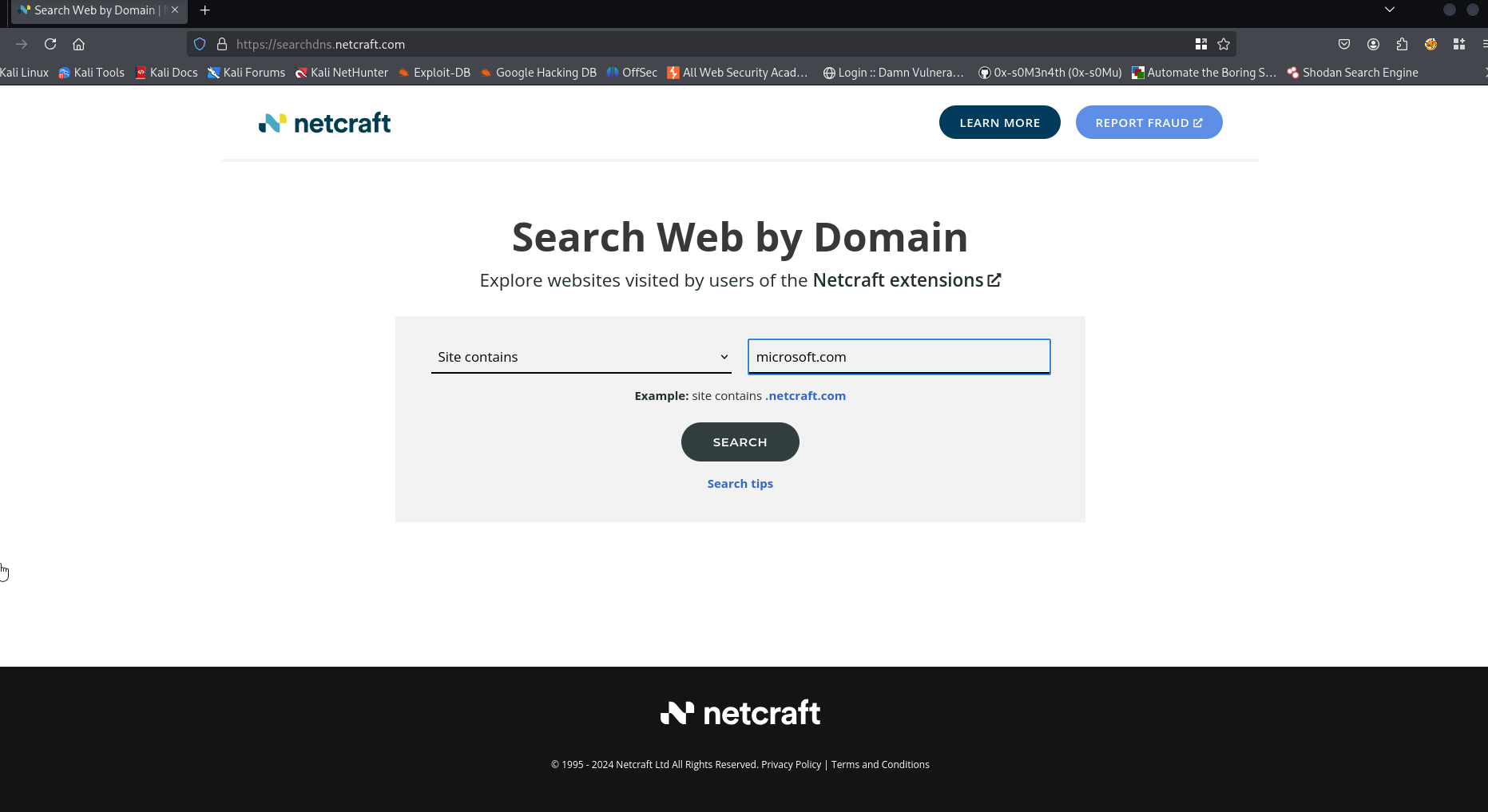
- Search for the DNS you need.
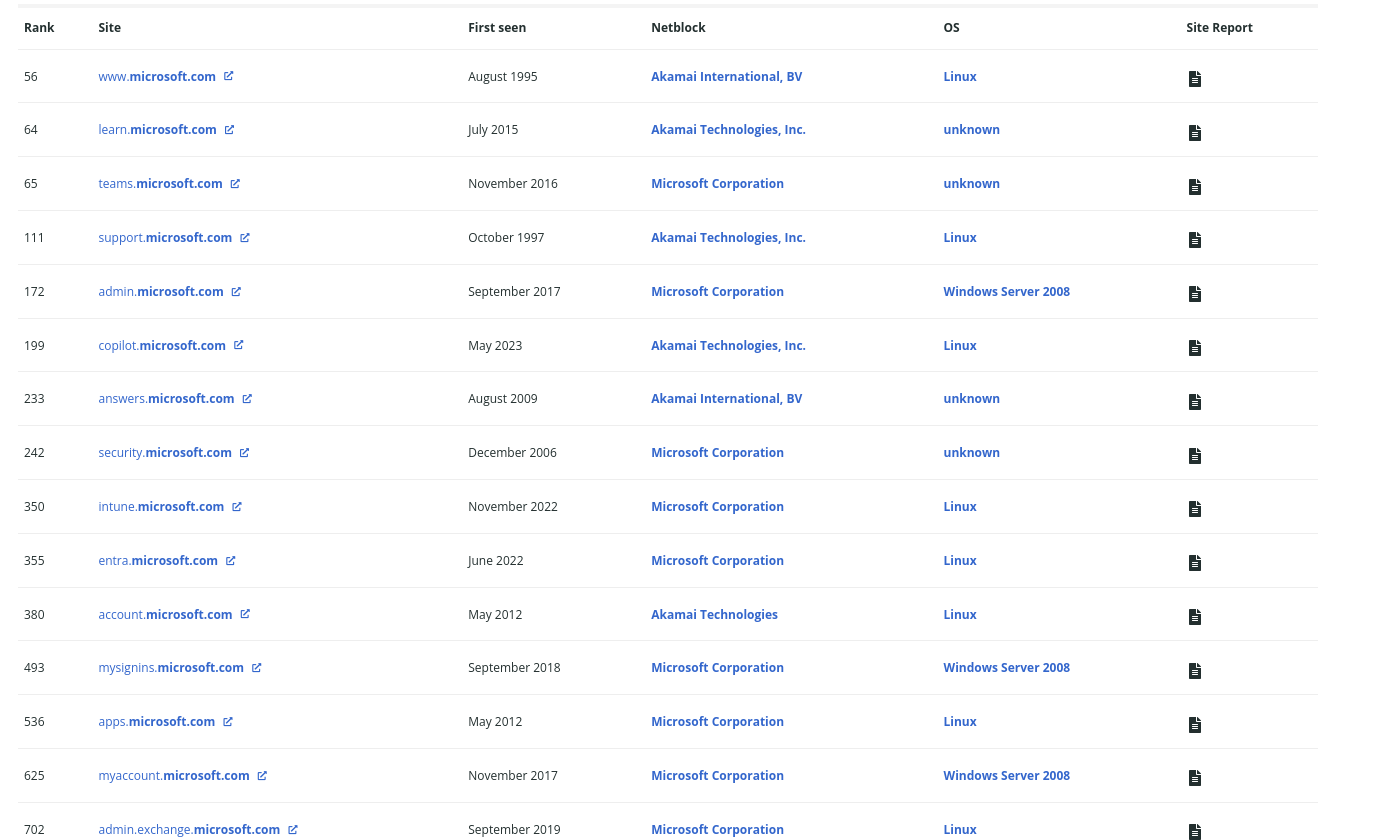
- Click one of those onto the
site report: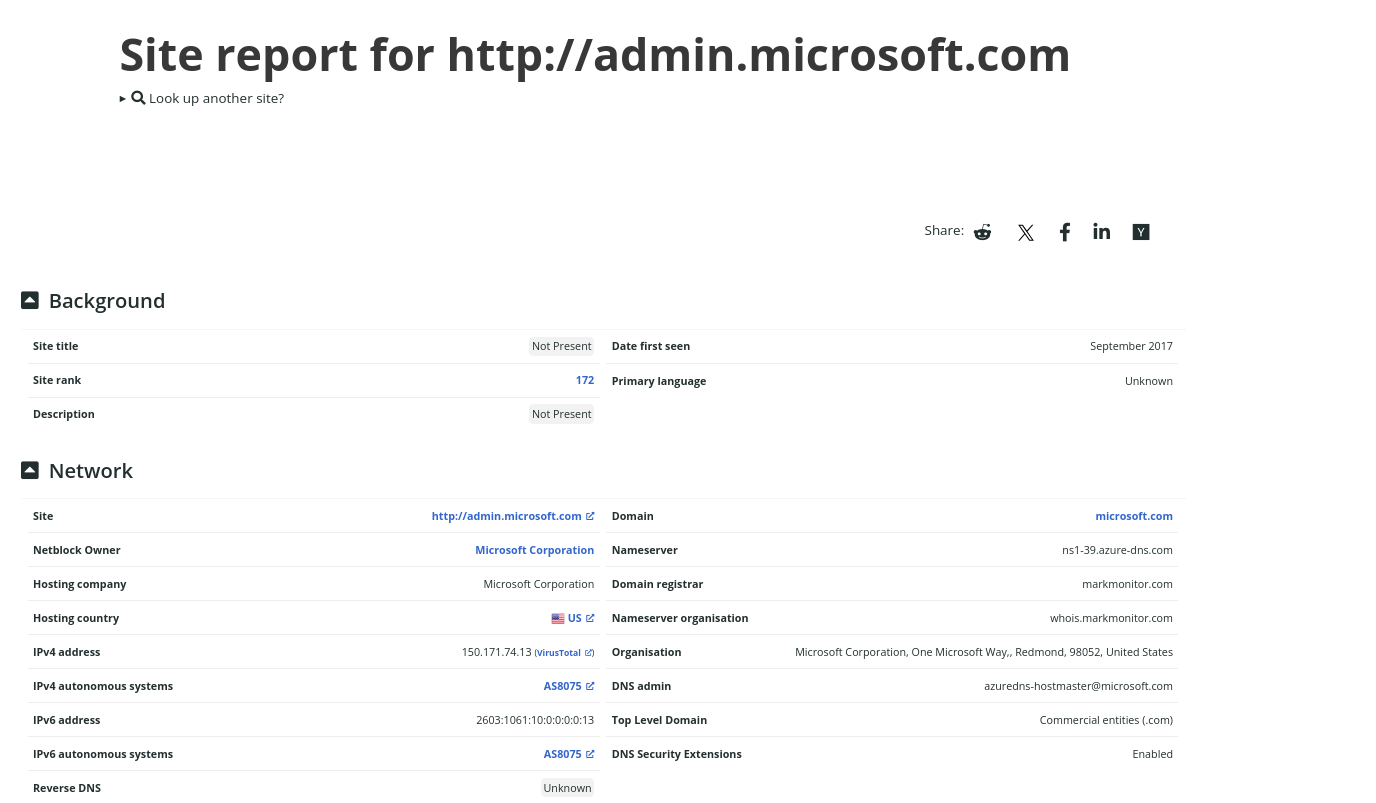
More reading on OSINT: OSINT
OSINT using perl:
COMING SOON
Google dorks:
A list of well-known exploited Google dorks for information gathering can be found in a Google hacker’s database at http://www.exploit-db.com/google-dorks/.