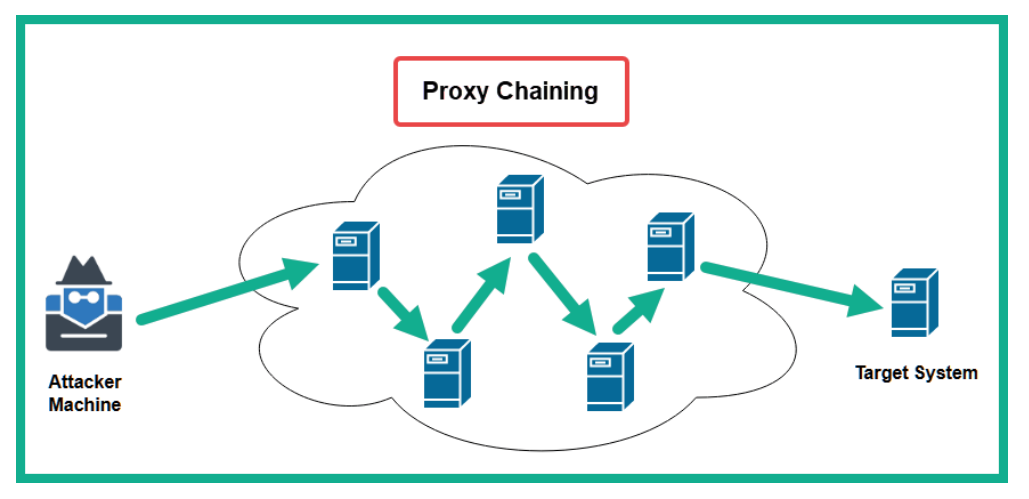
- A proxy is a system such as a server that sits between a source and a destination host on a network. If a sender wants to communicate with a destination server, the sender forwards the message to the proxy, which is then forwarded to the destination server. The destination server will think the message is originating from the proxy and not the actual source.
- Penetration testers use proxychains, which allow them to create a logical chain of connections between multiple proxy servers when sending traffic to a target network or the internet. Proxychains allow a penetration tester to configure various types of proxies, such as the following:
- HTTP
- HTTPS
- SOCK4
- SOCK5
Tip
You can use a website such as https://spys.one/en/, which provides a list of free proxy servers. However, keep in mind that these servers may not always be online or available.
Setting up proxychains:
- Fire up kali , we need to locate
proxychainsfirst, type this command:locate proxychains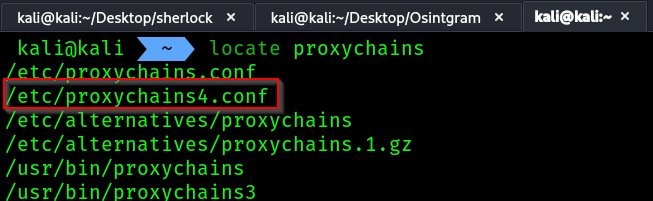
- Now we need to edit this config file
sudo vim /etc/proxychains4.conf
- Press
esc-> type:set numberand hit enter. This will show the number of lines.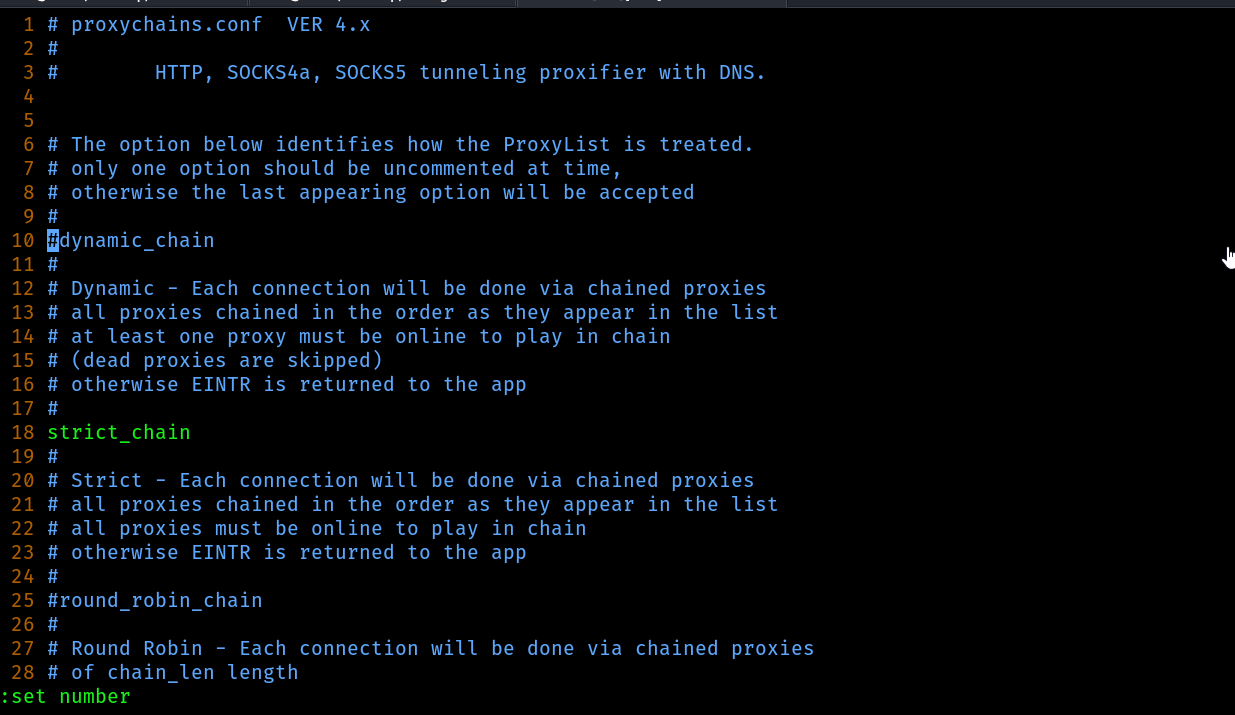
- Now we need to edit the 10th line -> come to the 10th line and hit
ion your keyboard, then uncomment thedynamic_chainoption.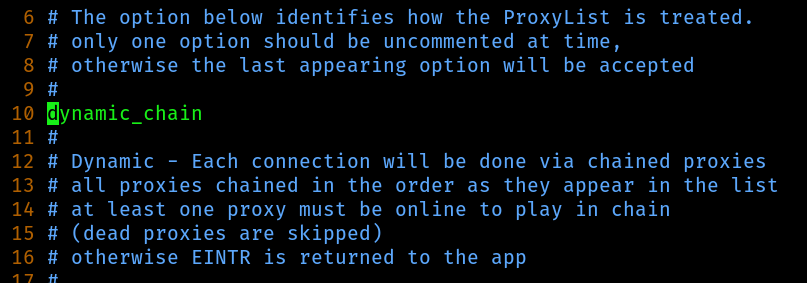
- Move to the 18th line and comment the option
strict_chain!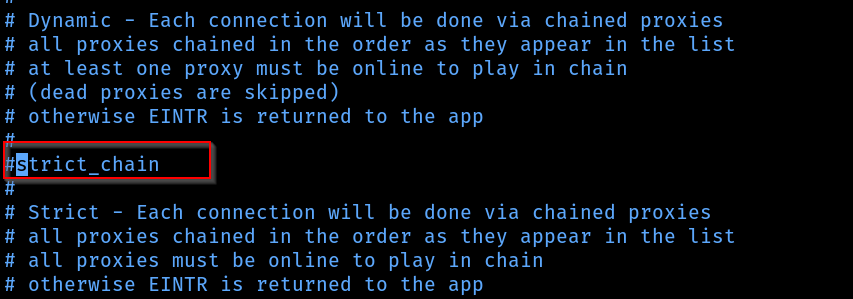
- Now we need to make use of the proxy site’s free server’s list, come to the end of the config file where it says
ProxyList, you can directly search for it in vim by hitting the key/and searching after that like this/ProxyListand hit enter.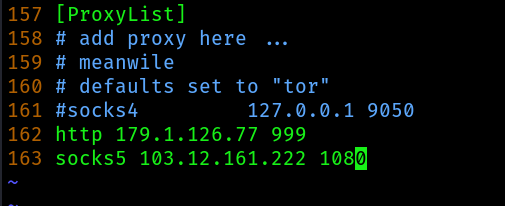
- Add some proxy servers at the end by commenting the TOR one which says
socks4 127.0.0.1 9050 - Hit
escand press:wq - To test the proxychains use this command
proxychains4 firefox