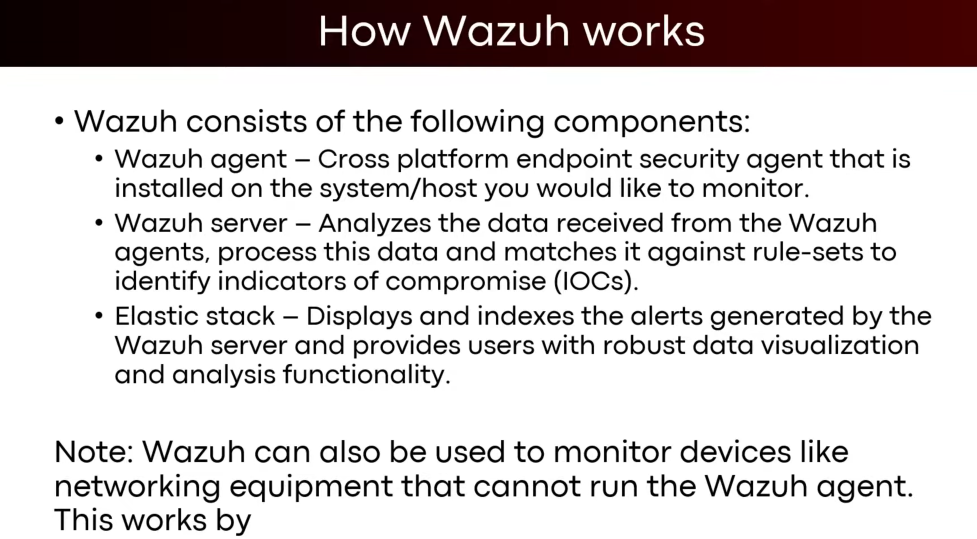
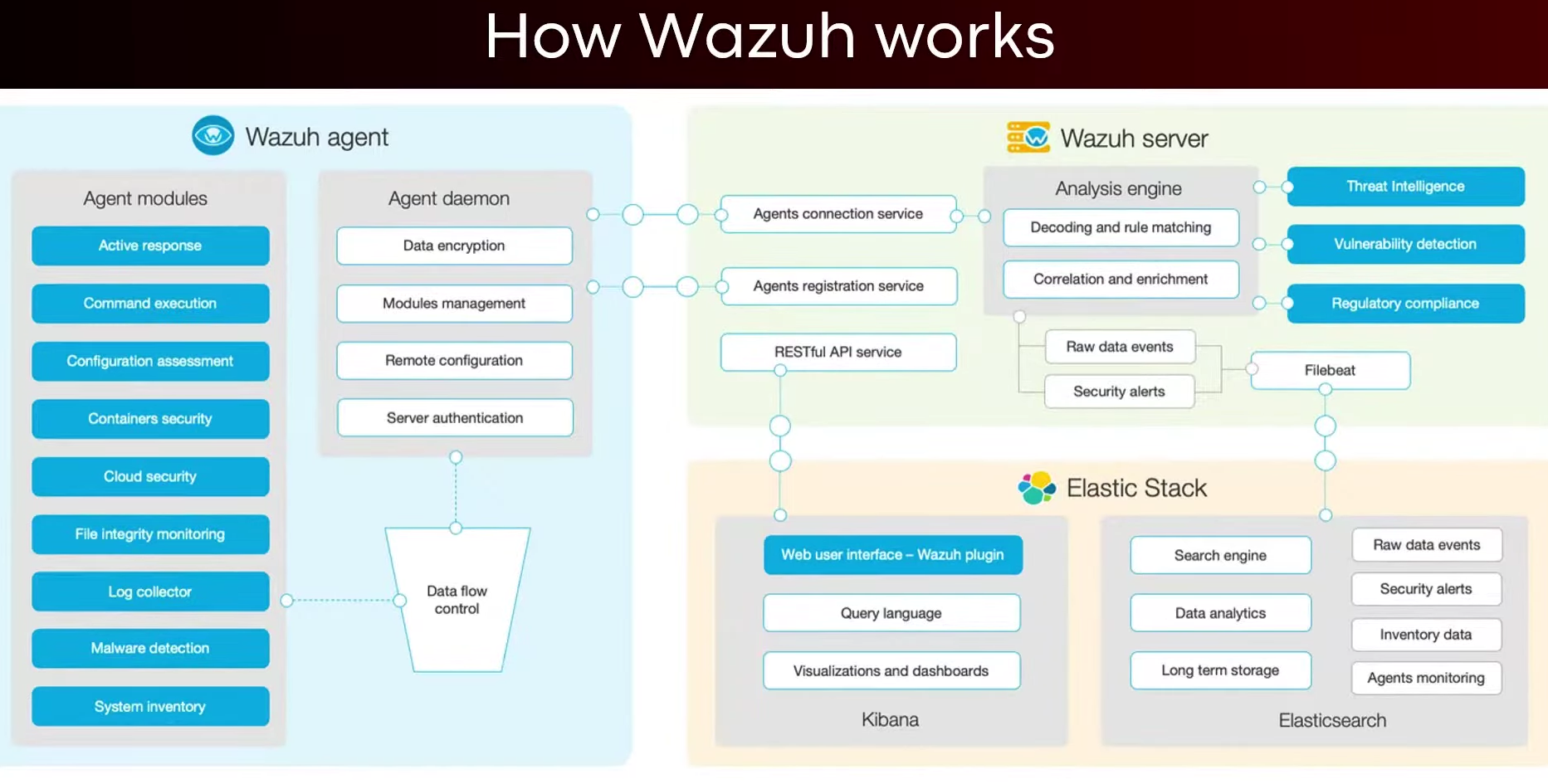
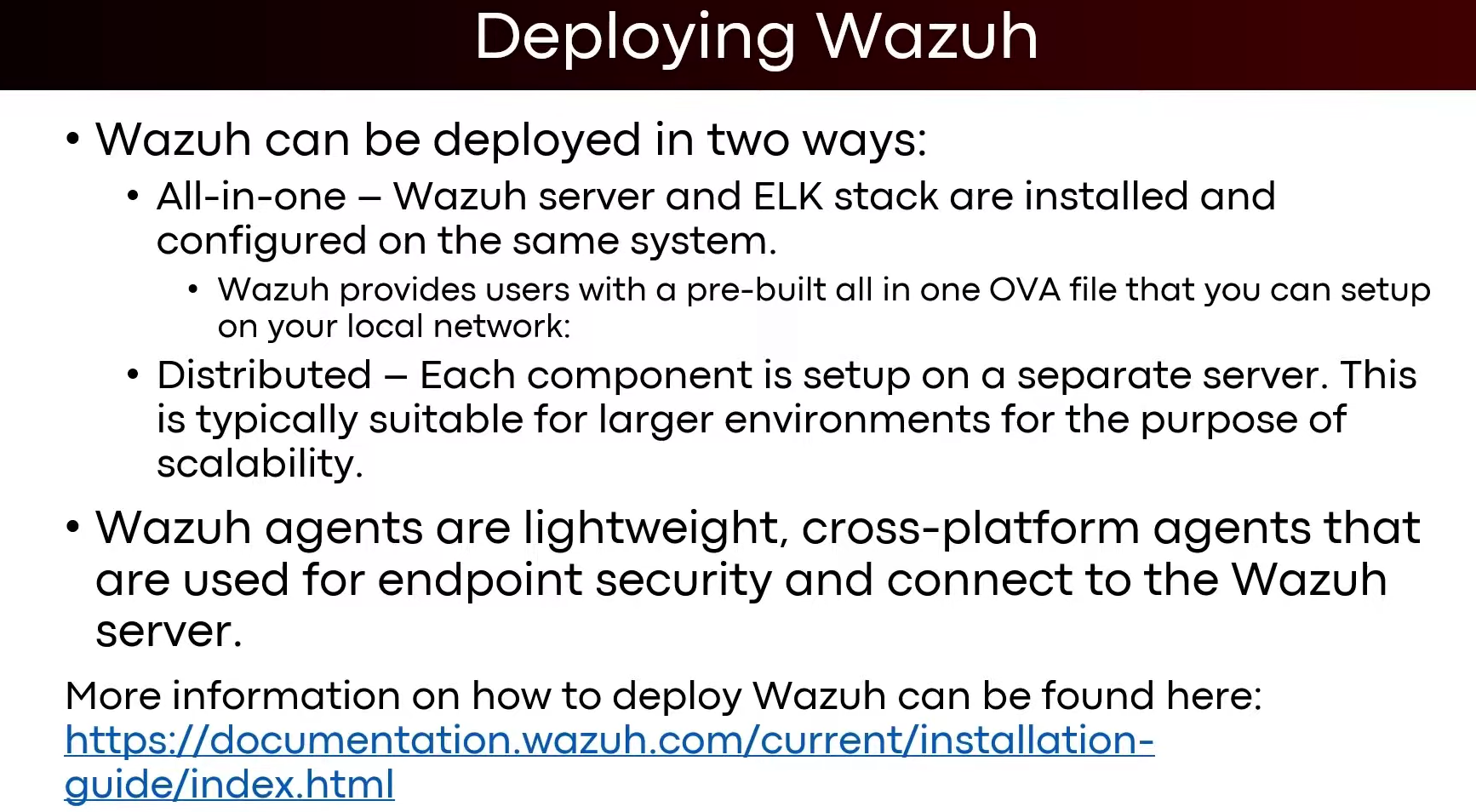
Installing wazuh in ubuntu 20.04 LTS
- step 1:
curl -sO https://packages.wazuh.com/4.12/wazuh-install.sh && sudo bash ./wazuh-install.sh -a
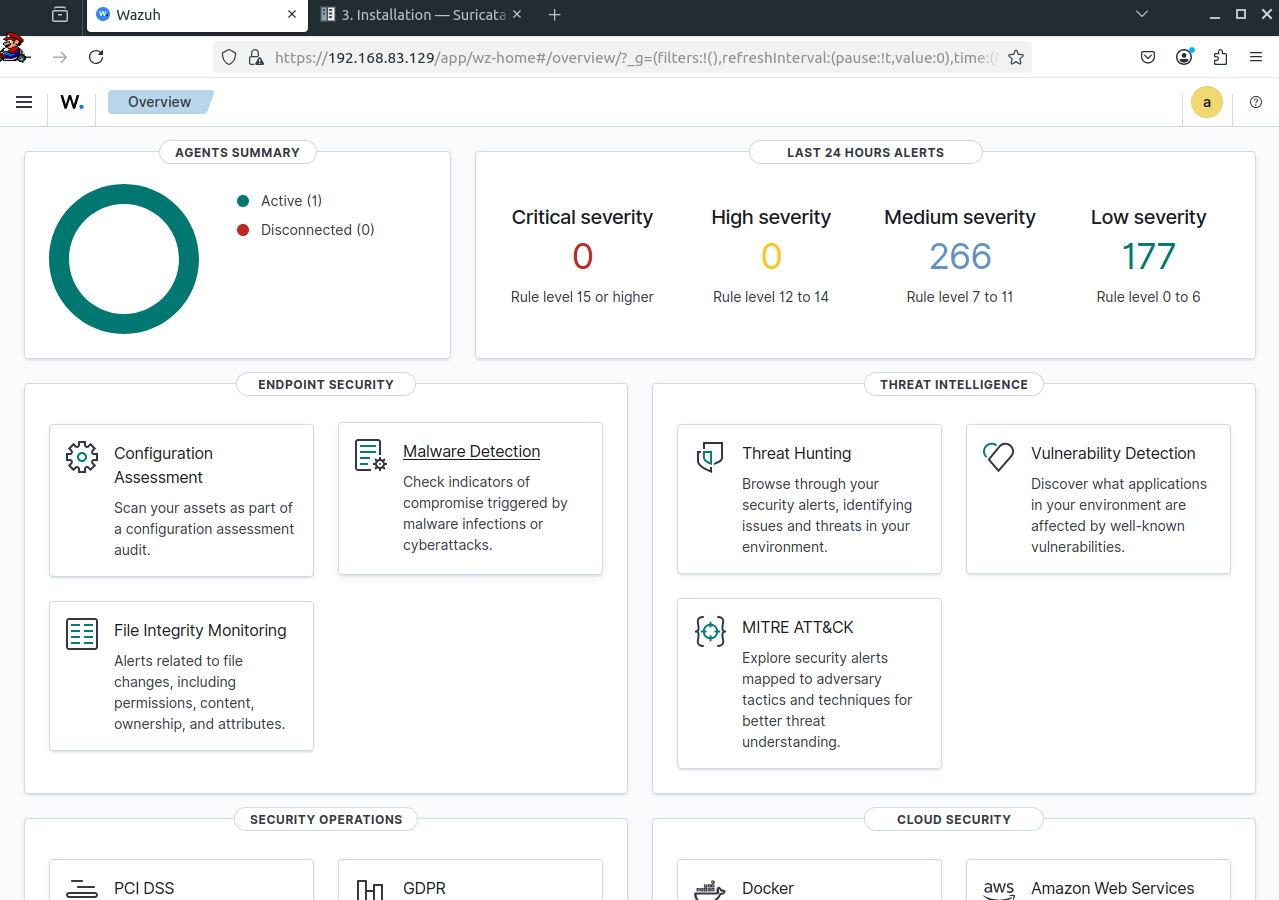
- This will take some time, and it will install all wazuh services, at the end it will provide the username and password of the wazuh server as well as in which port it is running. ![[Pasted image 20250725160156.png]]
- Then you need to disable auto update wazuh using this command ->
sed -i "s/^deb /#deb /" /etc/apt/sources.list.d/wazuh.list
apt update
Note
You can find the passwords for all the Wazuh indexer and Wazuh API users in the wazuh-passwords.txt file inside wazuh-install-files.tar. To print them run the following command ->
sudo tar -O -xvf wazuh-install-files.tar wazuh-install-files/wazuh-passwords.txt
- Now i will set up the wazuh agent inside a windows machine .
- First install the wazuh GUI inside your windows machine using this doc page
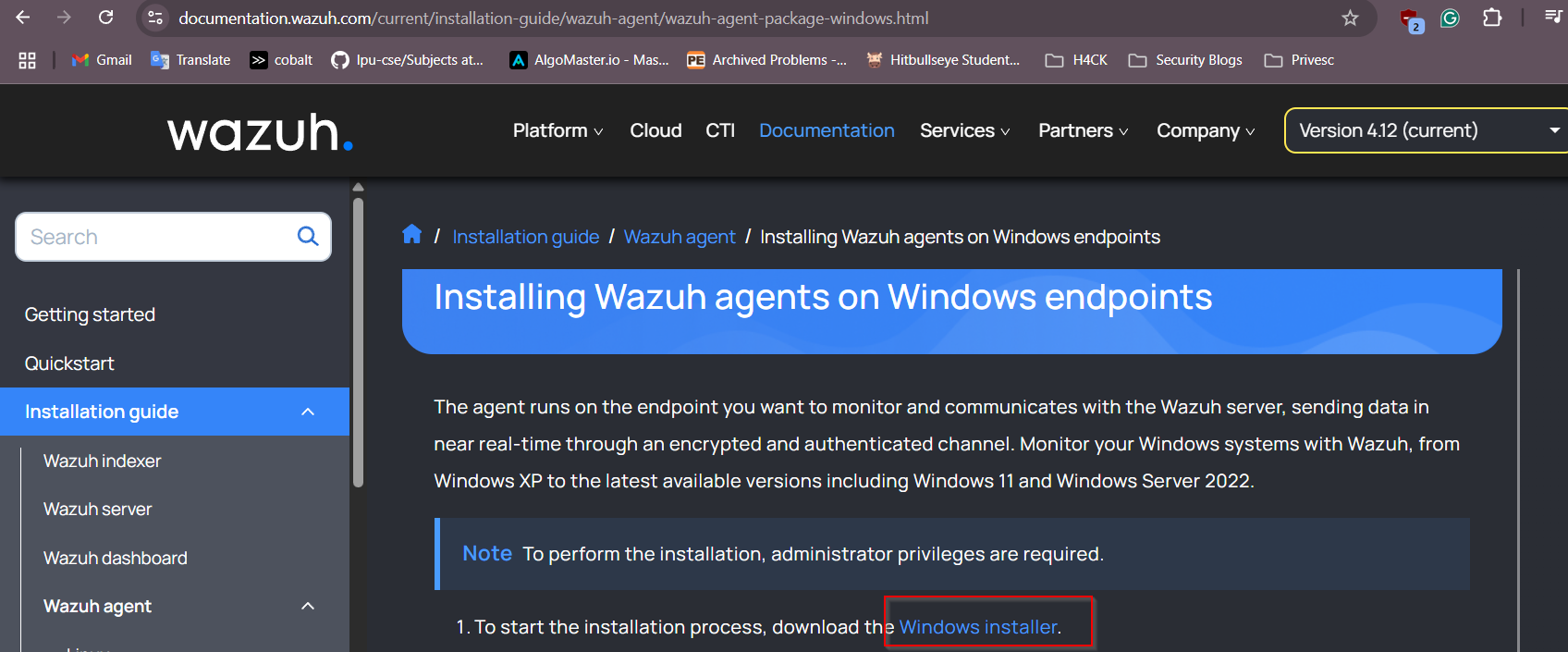 source -> wazuh-agent
 - Then use this command inside the command prompt of the windows machine
cd Downloads
wazuh-agent-4.12.0-1.msi /q WAZUH_MANAGER="wazuh_manager_IP"
- For powershell ->
.\wazuh-agent-4.12.0-1.msi /q WAZUH_MANAGER="wazuh_manager_ip"
- Or you can directly double click on the installer file and provide the wazuh manager IP address -> click on manage -> start
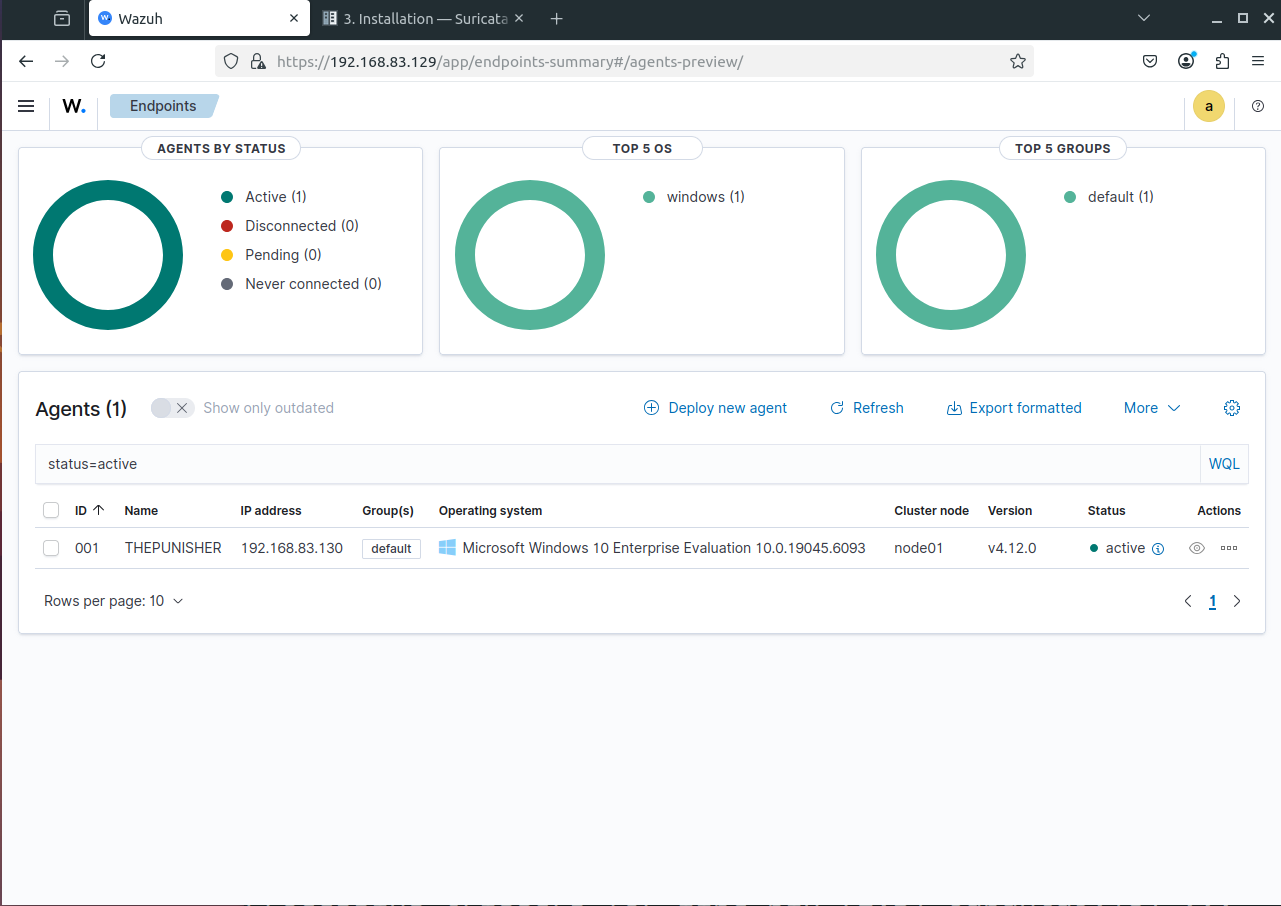
- Onto the ubuntu machine wazuh manager refresh the page and you should see your agent running ->